
TweetBlocker Chrome 插件, crx 扩展下载
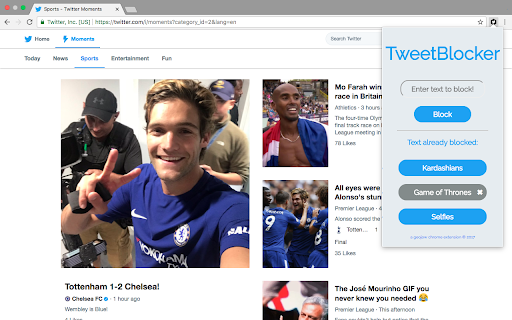
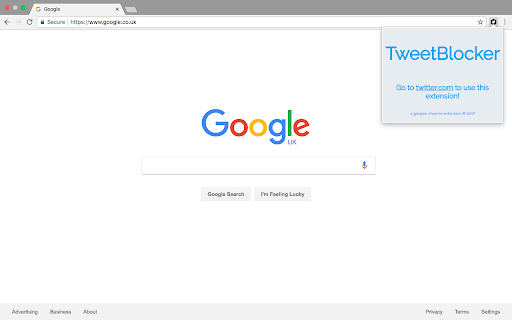
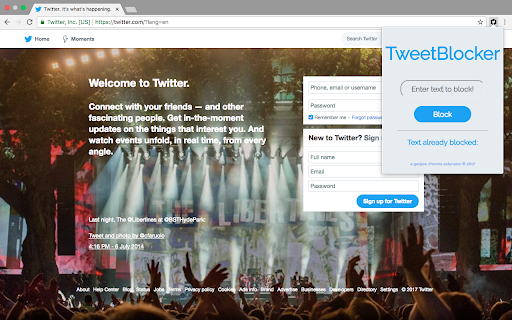
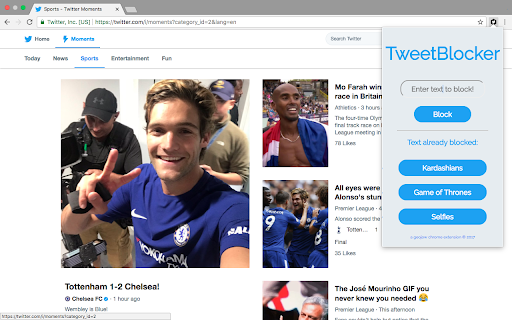
This extension lets you block tweets that you don't want to see on Twitter by keyword.
Don't want to see any more tweets about the Kardashian's? Want to avoid seeing spoilers from the new Game of Thrones episode? Look no further, this extension is the answer to all your prayers.
This extension will hide tweets that contain the key word you have provided. You don't need to worry about capitalisation either as we take care of that for you!
Blocked tweets can be viewed by clicking on the blank area where the tweet should have been, but do so at your own peril, it could be another fidget spinner video.
To unblock a keyword, simply click on it.
So happy blocking, leave a review, and tell your friends so they can block all your duck face selfies.
| 分类 | 👥社交 |
| 插件标识 | accehpjnlgmhmjbhjmiogbkcfbkcefkl |
| 平台 | Chrome |
| 评分 |
☆☆☆☆☆
|
| 评分人数 | |
| 插件主页 | https://chromewebstore.google.com/detail/tweetblocker/accehpjnlgmhmjbhjmiogbkcfbkcefkl |
| 版本号 | 2.0.1 |
| 大小 | 41.17KiB |
| 官网下载次数 | 19 |
| 下载地址 | |
| 更新时间 | 2017-08-21 00:00:00 |
CRX扩展文件安装方法
第1步: 打开Chrome浏览器的扩展程序
第2步:
在地址栏输入: chrome://extensions/
第3步: 开启右上角的【开发者模式】
第4步: 重启Chrome浏览器 (重要操作)
第5步: 重新打开扩展程序管理界面
第6步: 将下载的crx文件直接拖入页面完成安装
注意:请确保使用最新版本的Chrome浏览器