
Qwerto Chrome 插件, crx 扩展下载
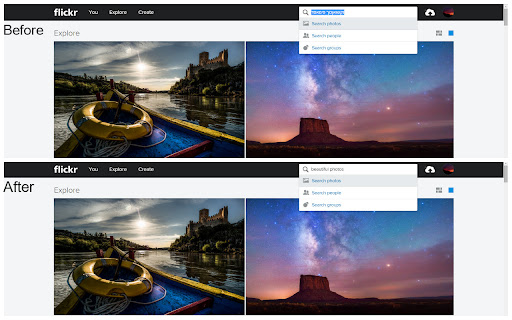

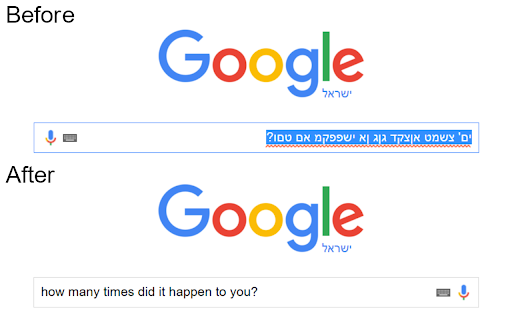
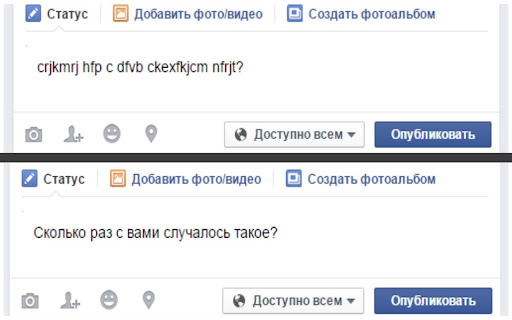
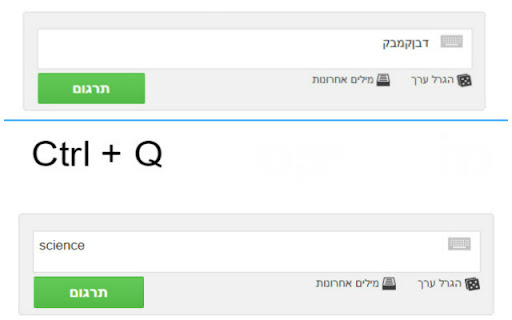
With Qwerto you can fix typing mistakes in English to your language and easily convert it to a logical sentence.
support in 12 new languages:
• Hebrew
• Arabic
• Czech
• German
• Greek
• French
• Portuguese
• Spanish
• Russian
• Romanian
• Turkish
• Kazakh
• Don't you hate those times when you try to write something in Hebrew, but your keyboard has other plans for you and it turns out you wrote a mix of letters in English that makes no sense, or the same case but vice versa?
Qwerto will solve this annoying problem!
By tapping Ctrl + Q or using your personal shortcut , Qwerto will reverse the text to the language you intended to write in in the first place.
• more languages in the next versions
© Lotan Sartel & Guy Landa.
| 分类 | 📝工作流程与规划 |
| 插件标识 | acikpjacdcfaadhcmgfllfdhkjjjocka |
| 平台 | Chrome |
| 评分 |
☆☆☆☆☆
|
| 评分人数 | |
| 插件主页 | https://chromewebstore.google.com/detail/qwerto/acikpjacdcfaadhcmgfllfdhkjjjocka |
| 版本号 | 25.2.3.0 |
| 大小 | 44.37KiB |
| 官网下载次数 | 275 |
| 下载地址 | |
| 更新时间 | 2020-08-08 00:00:00 |
CRX扩展文件安装方法
第1步: 打开Chrome浏览器的扩展程序
第2步:
在地址栏输入: chrome://extensions/
第3步: 开启右上角的【开发者模式】
第4步: 重启Chrome浏览器 (重要操作)
第5步: 重新打开扩展程序管理界面
第6步: 将下载的crx文件直接拖入页面完成安装
注意:请确保使用最新版本的Chrome浏览器