
Gmail云端硬碟备忘 Chrome 插件, crx 扩展下载

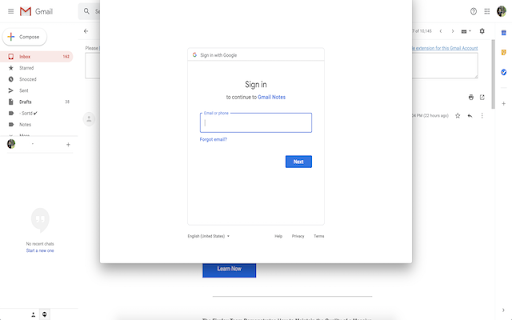
在Gmail和Inbox中的电子邮件线程中添加注释。保存到Google云端硬盘
Add notes to email threads in Gmail and Inbox.
- Store Notes in YOUR OWN Google Drive
- 100% Free and Open Source
- Add Notes to your Calendar
- Show Notes in Email Summary Page
- Supports Google Chrome
- Supports Multiple Gmail Accounts in Same Browser
- Support Sharing to Mobile Devices
- Show the Notes During Email Printing
Add annotations on your emails to remember something, or to coach how to craft a good email.
Add sticky notes to your emails today.
Perfect for:
✔️ Lawyers
✔️ Assistants
✔️ Editors
✔️ Sales Managers
✔️ Project Managers
✔️ Customer Representatives
✔️ Anyone who needs to make a mental note about an email that they received.
| 分类 | 📝工作流程与规划 |
| 插件标识 | apbfjienpablmnohjhnhmlflggfphoja |
| 平台 | Chrome |
| 评分 |
☆☆☆☆☆
|
| 评分人数 | |
| 插件主页 | https://chromewebstore.google.com/detail/gmail云端硬碟备忘/apbfjienpablmnohjhnhmlflggfphoja |
| 版本号 | 1.4.0 |
| 大小 | 616KiB |
| 官网下载次数 | 272 |
| 下载地址 | |
| 更新时间 | 2021-10-23 00:00:00 |
CRX扩展文件安装方法
第1步: 打开Chrome浏览器的扩展程序
第2步:
在地址栏输入: chrome://extensions/
第3步: 开启右上角的【开发者模式】
第4步: 重启Chrome浏览器 (重要操作)
第5步: 重新打开扩展程序管理界面
第6步: 将下载的crx文件直接拖入页面完成安装
注意:请确保使用最新版本的Chrome浏览器