
Ultimate Video Playback Controller Chrome 插件, crx 扩展下载
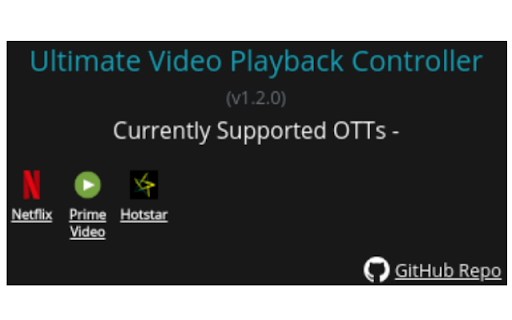
An Ultimate Controller manipulating Video Playback Speeds across OTT platforms
A Video Controller that lets you speed up videos on OTTs like -
- Netflix,
- Amazon Prime Video,
- Hotstar,
more coming soon.
The extension can retain & sync your last used playback speed across all your synced devices with support for chrome extensions. In other words, while binge-watching shows, set the speed once.. the extension does the rest!!
| 分类 | 📝工作流程与规划 |
| 插件标识 | baamojjlooienhddiihkfbobbkfjgnin |
| 平台 | Chrome |
| 评分 |
☆☆☆☆☆
|
| 评分人数 | |
| 插件主页 | https://chromewebstore.google.com/detail/ultimate-video-playback-c/baamojjlooienhddiihkfbobbkfjgnin |
| 版本号 | 88.0 |
| 大小 | 81.32KiB |
| 官网下载次数 | 7 |
| 下载地址 | |
| 更新时间 | 2019-11-25 00:00:00 |
CRX扩展文件安装方法
第1步: 打开Chrome浏览器的扩展程序
第2步:
在地址栏输入: chrome://extensions/
第3步: 开启右上角的【开发者模式】
第4步: 重启Chrome浏览器 (重要操作)
第5步: 重新打开扩展程序管理界面
第6步: 将下载的crx文件直接拖入页面完成安装
注意:请确保使用最新版本的Chrome浏览器