
Gaia Online Friends Chrome 插件, crx 扩展下载
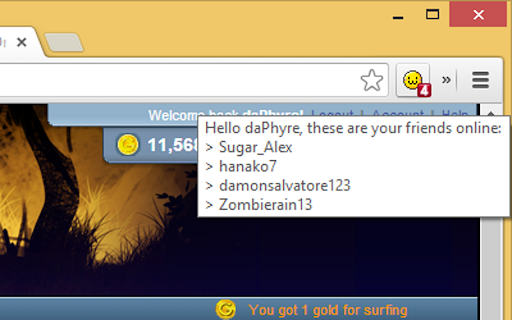
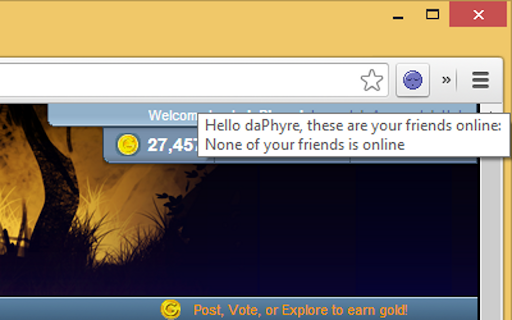
See who is online right now among your friends at Gaia Online.
So you have this important thing to do, but your friends told you to reunite "tonight" for a fun night at zOMG! But when will you go there? As soon as you enter, you know you can kiss goodbye your important thing, but how do you now they are inside now? Well, this extension will tell you now when your friends log into Gaia Online for some fun all together!
OPTIONS:
-Where do you want to go? The main page? To the forums? Directly to zOMG!? You decide where to go in Gaia Online when clicking on the badge!
-Are there here yet? Or you don't want to stalk that much? Select how frequently you want the extension to check your new online friends.
-Display desktop notifications for your online friends! Now you can't say no one told you he got just online!
Questions? Suggestions? Problems? Contact the developer at [email protected]
| 分类 | 🎉趣味休闲 |
| 插件标识 | bgeabncpebgnfcfehgjlaphbgiklbpmc |
| 平台 | Chrome |
| 评分 |
☆☆☆☆☆
|
| 评分人数 | |
| 插件主页 | https://chromewebstore.google.com/detail/gaia-online-friends/bgeabncpebgnfcfehgjlaphbgiklbpmc |
| 版本号 | 3.0.0.18 |
| 大小 | 18.01KiB |
| 官网下载次数 | 47 |
| 下载地址 | |
| 更新时间 | 2014-04-08 00:00:00 |
CRX扩展文件安装方法
第1步: 打开Chrome浏览器的扩展程序
第2步:
在地址栏输入: chrome://extensions/
第3步: 开启右上角的【开发者模式】
第4步: 重启Chrome浏览器 (重要操作)
第5步: 重新打开扩展程序管理界面
第6步: 将下载的crx文件直接拖入页面完成安装
注意:请确保使用最新版本的Chrome浏览器