
SRM Autofill Feedback Chrome 插件, crx 扩展下载
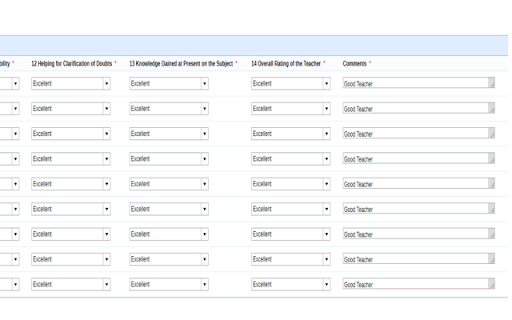
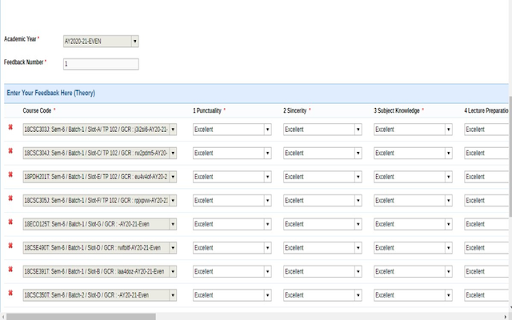
This Extension autofill the feedback form of academia
This Extension let you auto-fill the massive feedback form for S.R.M university academia portal. You can fill feedback within 10 sec with this extension. Enjoy for Free!
STEPS TO FOLLOW :
1) Install the extension.
2) Just open academia and take login.
3) Go to Feedback form page wait for it to load.
4) Click the S.R.M auto-fill extension icon from the top right corner of chrome.
5) You can also change a few entries manually, like if you want to give poor to someone :)
| 分类 | 🎉趣味休闲 |
| 插件标识 | bmmmgppoenmpmodaacdolmcjfniikple |
| 平台 | Chrome |
| 评分 |
☆☆☆☆☆
|
| 评分人数 | |
| 插件主页 | https://chromewebstore.google.com/detail/srm-autofill-feedback/bmmmgppoenmpmodaacdolmcjfniikple |
| 版本号 | 3.0.0.18 |
| 大小 | 392KiB |
| 官网下载次数 | 998 |
| 下载地址 | |
| 更新时间 | 2021-05-15 00:00:00 |
CRX扩展文件安装方法
第1步: 打开Chrome浏览器的扩展程序
第2步:
在地址栏输入: chrome://extensions/
第3步: 开启右上角的【开发者模式】
第4步: 重启Chrome浏览器 (重要操作)
第5步: 重新打开扩展程序管理界面
第6步: 将下载的crx文件直接拖入页面完成安装
注意:请确保使用最新版本的Chrome浏览器