
101LINK Chrome 插件, crx 扩展下载
101LINK
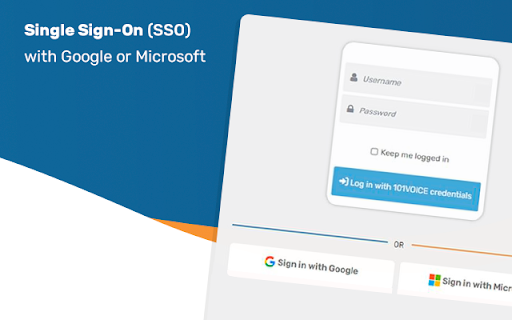
The 101VOICE Desktop Call Assistant integrates seamlessly with the 101VOICE Cloud based telephony system.
If you run a computer and a phone and want to speed up your dialing and reduce the number of misdialed calls, 101VOICE Desktop Assistant is the key to your success.
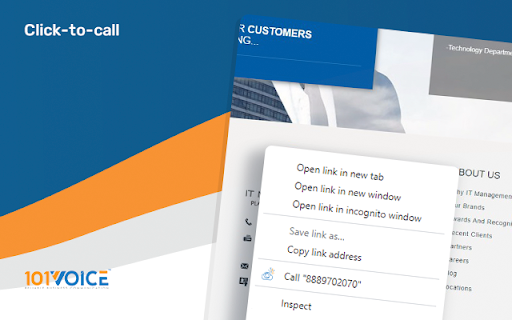
Designed with call makers in mind. 101VOICE Desktop Call Assistant works with web browsers (Internet Explorer, Chrome and Firefox) and popular applications such as Excel and Outlook, to give a simple one click to dial solution.
Just highlight and click on the number in you Contact Manager, CRM or in a Webpage and let Desktop Call Assistant do the dialing for you.
Improving speed, productivity and accuracy leads to a better bottom line.
You can access 101Voice Desktop Call Assistant on you on any PC, Laptop, MAC or Smart Phone or tablet:
- Place a call from any telephone Line assigned to you.
- Redirect calls to your Voice Mail
- Place calls in System Park\Orbit so others can retrieve it.
- Transfer call to internal numbers
- Transfer calls to external number
- Place your lines in DND (Do not Disturb)
- View Voice Messages alerts and dial the caller.
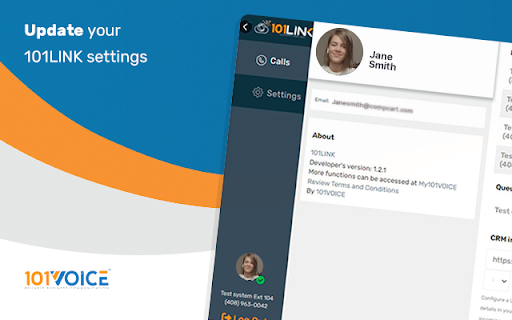
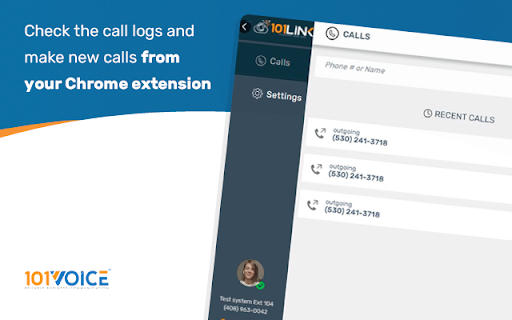
- Review complete call history of received, missed and dialed calls.
| 分类 | 📝工作流程与规划 |
| 插件标识 | boajlkmleglcecbbkegfnjgmieijmdea |
| 平台 | Chrome |
| 评分 |
☆☆☆☆☆
|
| 评分人数 | |
| 插件主页 | https://chromewebstore.google.com/detail/101link/boajlkmleglcecbbkegfnjgmieijmdea |
| 版本号 | 25.2.3.0 |
| 大小 | 81.56KiB |
| 官网下载次数 | 42 |
| 下载地址 | |
| 更新时间 | 2022-05-19 00:00:00 |
CRX扩展文件安装方法
第1步: 打开Chrome浏览器的扩展程序
第2步:
在地址栏输入: chrome://extensions/
第3步: 开启右上角的【开发者模式】
第4步: 重启Chrome浏览器 (重要操作)
第5步: 重新打开扩展程序管理界面
第6步: 将下载的crx文件直接拖入页面完成安装
注意:请确保使用最新版本的Chrome浏览器