
Search Plus Chrome 插件, crx 扩展下载

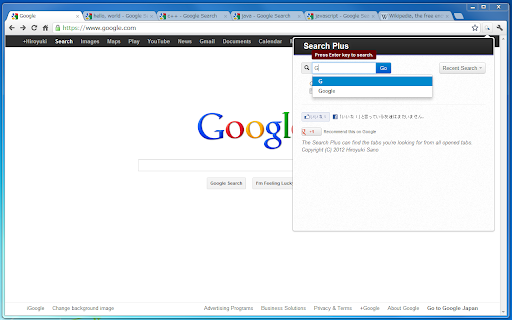
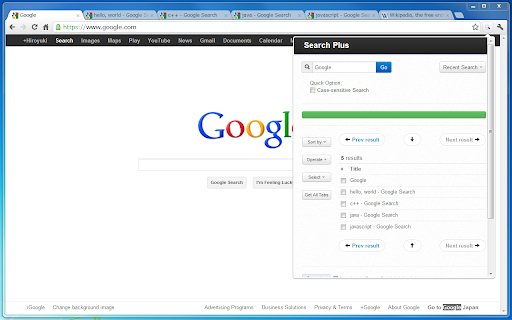
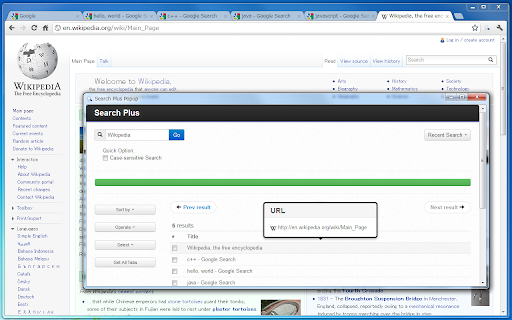
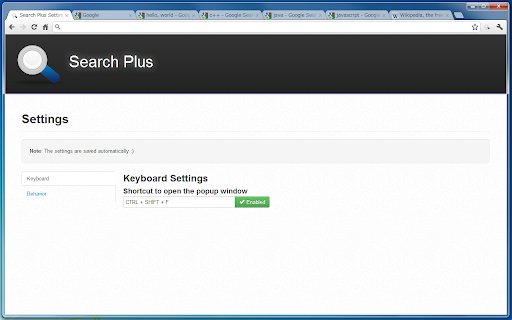

The Search Plus can find the tabs you're looking for from all opened tabs.
// What is this?
The Search Plus is a Chrome Extension App.
It helps to find the tabs you're looking for from all opened tabs regardless of window, and you can manage the found tabs easily and quickly.
// Features
- Search tabs contains specific words
- You can operate found tabs
-- close tabs
-- collect tabs into a single window
- Insert text to the title of tabs
- Inject code to the document of tabs
- Capture images from tabs all at once
- Language Supports: English, Japanese
// ScreenCast
http://www.youtube.com/watch?v=HdDoRi4C7RU
// Versions
2012/04/19 Version 0.8
Add features, to get tabs' capture images, etc...
2012/04/15 Version 0.6
Japanese Language has been supported.
2012/04/12 Version 0.4
Add features, to inject code to the document of tabs, etc...
2012/04/12 Version 0.3
Rename "FullSearch" to "Search Plus"
| 分类 | 📝工作流程与规划 |
| 插件标识 | cdpohbejnbclggljmoijjcpdhbaaijfm |
| 平台 | Chrome |
| 评分 |
☆☆☆☆☆
|
| 评分人数 | |
| 插件主页 | https://chromewebstore.google.com/detail/search-plus/cdpohbejnbclggljmoijjcpdhbaaijfm |
| 版本号 | 0.8 |
| 大小 | 149KiB |
| 官网下载次数 | 8000 |
| 下载地址 | |
| 更新时间 | 2016-02-07 00:00:00 |
CRX扩展文件安装方法
第1步: 打开Chrome浏览器的扩展程序
第2步:
在地址栏输入: chrome://extensions/
第3步: 开启右上角的【开发者模式】
第4步: 重启Chrome浏览器 (重要操作)
第5步: 重新打开扩展程序管理界面
第6步: 将下载的crx文件直接拖入页面完成安装
注意:请确保使用最新版本的Chrome浏览器