
Plexify Chrome 插件, crx 扩展下载
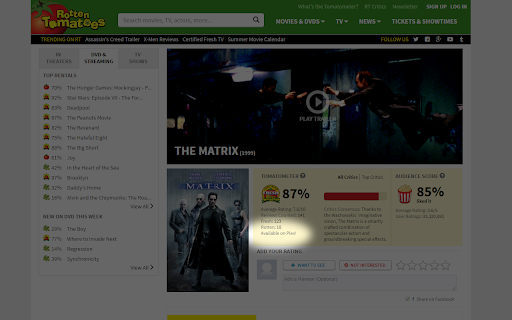
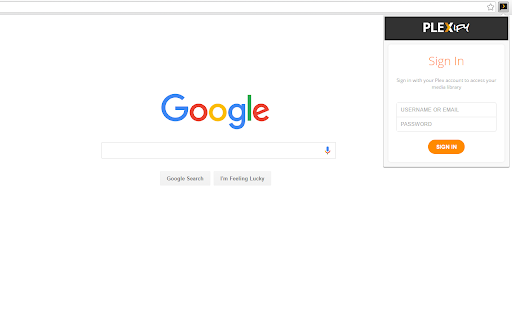
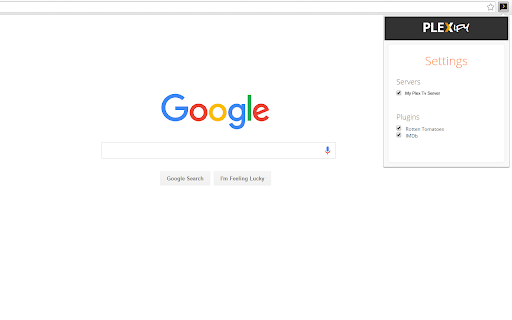
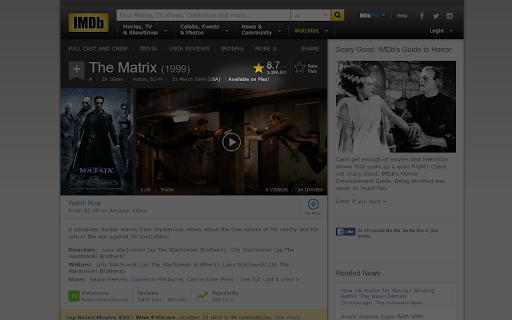
Connect to your Plex account and see if you own media while browsing popular websites like IMDb, Rotten Tomatoes, and more!
Plexify lets you connect to your Plex account to check if your
library contains certain media while browsing popular websites like
IMDb, Rotten Tomatoes, and more! To indicate that your library contains the media, Plexify adds a small, non-intrusive badge to the page.
A must have for movie collectors and enthusiasts alike!
| 分类 | 🛠️工具 |
| 插件标识 | cgckffknepmgikkhnildjodfjobncckg |
| 平台 | Chrome |
| 评分 |
☆☆☆☆☆
|
| 评分人数 | |
| 插件主页 | https://chromewebstore.google.com/detail/plexify/cgckffknepmgikkhnildjodfjobncckg |
| 版本号 | 0.0.1 |
| 大小 | 30.13KiB |
| 官网下载次数 | 606 |
| 下载地址 | |
| 更新时间 | 2016-05-14 00:00:00 |
CRX扩展文件安装方法
第1步: 打开Chrome浏览器的扩展程序
第2步:
在地址栏输入: chrome://extensions/
第3步: 开启右上角的【开发者模式】
第4步: 重启Chrome浏览器 (重要操作)
第5步: 重新打开扩展程序管理界面
第6步: 将下载的crx文件直接拖入页面完成安装
注意:请确保使用最新版本的Chrome浏览器