
HaTeMiLe for Browser Chrome 插件, crx 扩展下载
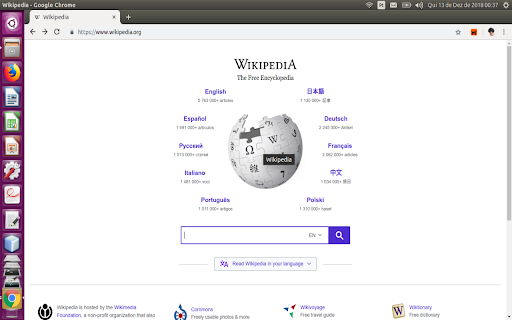
Improve the accessibility of web pages, especially for users who use screen readers or navigate using the keyboard.
Improve the accessibility of web pages, especially for users who use screen readers or navigate using the keyboard.
Features of HaTeMiLe for Browser:
* For elements with only mouse events to trigger an action, the add-on provide the same functionality via the corresponding keyboard events;
* In drag-and-drop events press Space to drag, press Enter to drop and press Esc to clear;
* Display when the fields are required;
* Display the minimum and maximum value of the fields;
* Display the the field has auto-complete;
* Display the keyboard shortcuts of elements;
* Display when a field is invalid;
* Display the download links of page;
* Display when a link open new tab;
* Create links to access the long description of images;
* Create a summary of the page, using the headings of the page;
* Associate data cells with header cells of table.
| 分类 | ♿无障碍访问 |
| 插件标识 | cgmocdadonifbjlfaeedjdlhghkpfcok |
| 平台 | Chrome |
| 评分 |
☆☆☆☆☆
|
| 评分人数 | |
| 插件主页 | https://chromewebstore.google.com/detail/hatemile-for-browser/cgmocdadonifbjlfaeedjdlhghkpfcok |
| 版本号 | 2.19.1 |
| 大小 | 77.67KiB |
| 官网下载次数 | 54 |
| 下载地址 | |
| 更新时间 | 2018-12-13 00:00:00 |
CRX扩展文件安装方法
第1步: 打开Chrome浏览器的扩展程序
第2步:
在地址栏输入: chrome://extensions/
第3步: 开启右上角的【开发者模式】
第4步: 重启Chrome浏览器 (重要操作)
第5步: 重新打开扩展程序管理界面
第6步: 将下载的crx文件直接拖入页面完成安装
注意:请确保使用最新版本的Chrome浏览器