
Aria2 Integration Extension Chrome 插件, crx 扩展下载
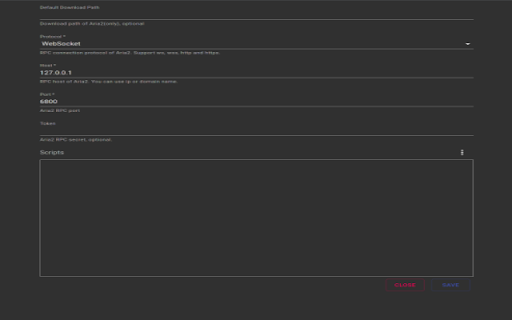
Please Properly setup Aria2 before using this extension.
Features
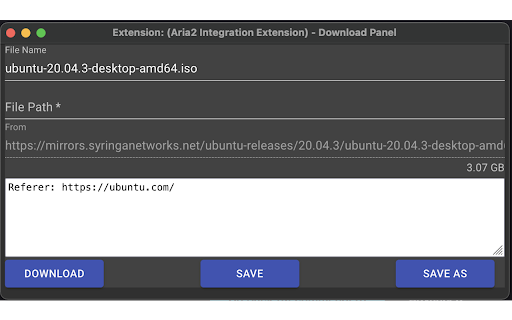
- Replace browser default download manager with Aria2
- Add,…
Please Properly setup Aria2 before using this extension.
Features
- Replace browser default download manager with Aria2
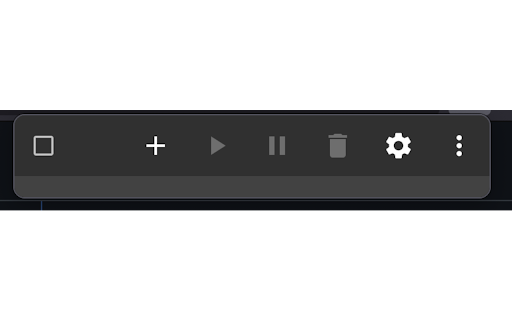
- Add, start, pause and stop jobs in extension tab
- Trigger download with right click context menu
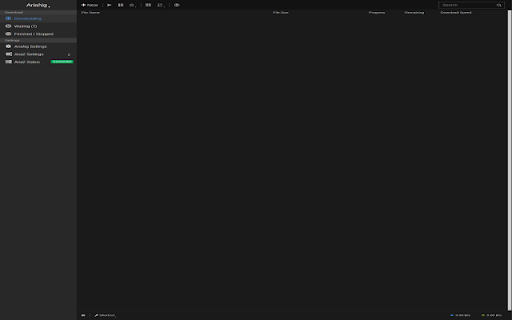
- Allow more operations with integrated AriaNg
- Custom configuration allows instance other than default aria2 domains & ports
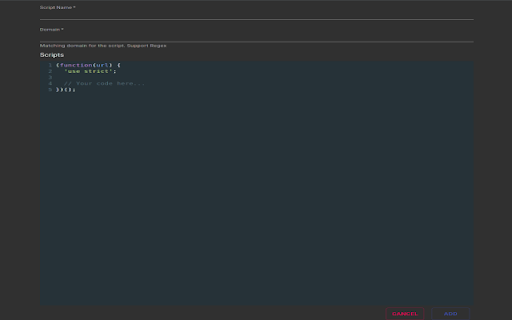
- Third party scripts support, allow user to add scripts using integrated editor. (Remove since 0.5.0)
## Scripts
>This feature is removed after **0.5.0** due to manifest 3 does not allow arbitrary code execution per [guideline](https://developer.chrome.com/docs/extensions/develop/migrate/improve-security).
The new script extension allows user to download certain resources on websites without going into page source manually.
### Example
```
(async function (url) {
'use strict';
try {
const res = await fetch(url);
if (res.ok) {
const data = await res.text();
const parser = new DOMParser();
const doc = parser.parseFromString(data, "text/html");
const matches = doc.querySelector("<SOME-QUERY-SELECTOR>");
return matches.src;
}
} catch (error) {
console.error(error);
}
})();
```
<p>
With the input url as a parameter, user should be able to implement scripts utilize xPath or query selector to find out media sources or batch images on define domains
and download all automatically in batch.
</p>
Submit Issues
Please submit issues if you encounter any problems here (https://github.com/zluo01/aria2-extension/issues)
Reference
- https://github.com/aria2/aria2
- https://github.com/mayswind/AriaNg
- https://github.com/sonnyp/aria2.js/
- https://github.com/RossWang/Aria2-Integration
| 分类 | 📝工作流程与规划 |
| 插件标识 | chehmbmmchaagpilhabnocngnmjllgfi |
| 平台 | Chrome |
| 评分 |
☆☆☆☆☆
|
| 评分人数 | |
| 插件主页 | https://chromewebstore.google.com/detail/aria2-integration-extensi/chehmbmmchaagpilhabnocngnmjllgfi |
| 版本号 | 0.5.3 |
| 大小 | 1.1MiB |
| 官网下载次数 | 88 |
| 下载地址 | |
| 更新时间 | 2024-08-19 00:00:00 |
CRX扩展文件安装方法
第1步: 打开Chrome浏览器的扩展程序
第2步:
在地址栏输入: chrome://extensions/
第3步: 开启右上角的【开发者模式】
第4步: 重启Chrome浏览器 (重要操作)
第5步: 重新打开扩展程序管理界面
第6步: 将下载的crx文件直接拖入页面完成安装
注意:请确保使用最新版本的Chrome浏览器