
Templates Chrome 插件, crx 扩展下载
Allows to replace text shortcut with saved template by pressing tab button
Write messages faster!
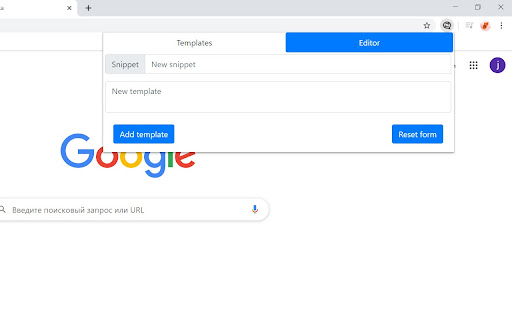
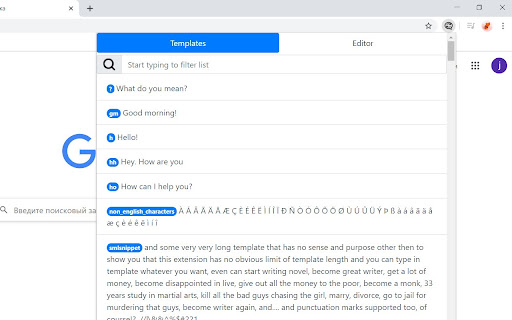
This extension allows you to save frequently used text as templates. Just save template in extension and assign shortcut message for it.
After that in any textfield you can write this shortcut, press tab button - and shortcut will be replaced by your template!
Pros and cons:
+ Works everywhere in browser. GMail, Facebook, WhatsApp web, Jira and other services... Extension only needs a field, where you can write something
+ Totally free and has no advertisement
+ You don't have to use a mouse to insert template - only a keyboard
+ You're the one, who will сhoose a shortcut for your templates - so shortcuts will be memorized more quickly!
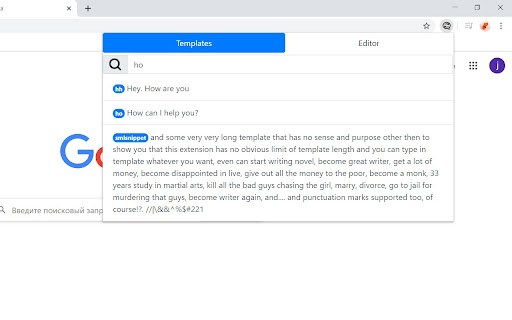
+ And you can find shortcut in search field by template part, if you do forget it...
+ Templates syncronise with Google account - if you use multiple computers, template list will be same on all
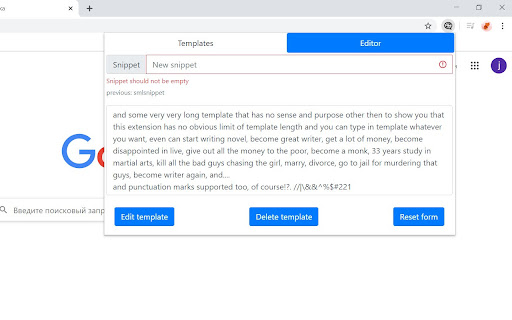
+ And, of course, you can change template and / or shortcut at any moment
...
- Makes you lazy sometimes...
| 分类 | 📝工作流程与规划 |
| 插件标识 | chflkinkknpljaccjdccnogkelagodba |
| 平台 | Chrome |
| 评分 |
☆☆☆☆☆
|
| 评分人数 | |
| 插件主页 | https://chromewebstore.google.com/detail/templates/chflkinkknpljaccjdccnogkelagodba |
| 版本号 | 25.2.3.0 |
| 大小 | 146KiB |
| 官网下载次数 | 538 |
| 下载地址 | |
| 更新时间 | 2021-07-11 00:00:00 |
CRX扩展文件安装方法
第1步: 打开Chrome浏览器的扩展程序
第2步:
在地址栏输入: chrome://extensions/
第3步: 开启右上角的【开发者模式】
第4步: 重启Chrome浏览器 (重要操作)
第5步: 重新打开扩展程序管理界面
第6步: 将下载的crx文件直接拖入页面完成安装
注意:请确保使用最新版本的Chrome浏览器