
Contextual Chrome 插件, crx 扩展下载
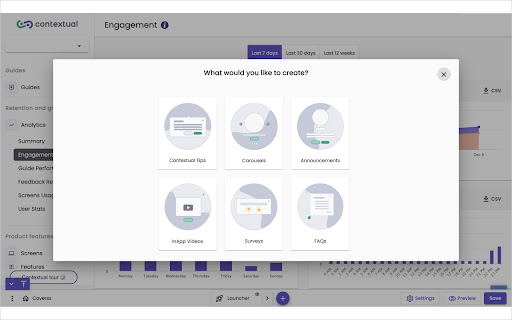
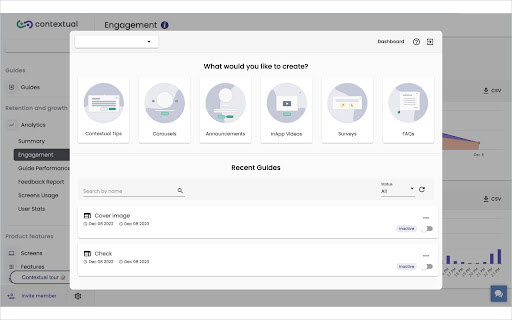


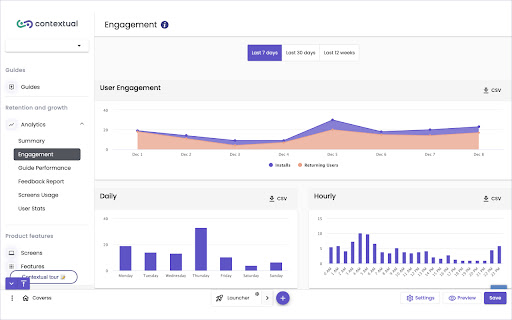
Contextual allows you to design tips/tours/announcement etc on your website without needing to write code.
Great news! Contextual now supports:
1. Onboarding for Apps (Guides, Tips, Walkthroughs, Tooltips, FAQs, Help Videos etc)
2. Product Adoption for Apps. Analytics, Goals, Audience Targeting
3. Announce Features, Ask for Feedback, Track usage.
4. Available for Mobile and Web Apps
Using this Browser Extension you can create and deploy user Guidance for Apps you make OR Software you already use.
1. Onboarding for Apps
If you have a Web App, a Mobile App or even a Mobile Web App, Contextual is the only Code-Free platform for onboarding walkthroughs, carousels, tooltips & popups on all platforms.
2. Product Adoption for Apps
Contextual's Product Adoption is the first product to allow teams to create Feature Announcements, Ask for Feedback (single-click responses from users) and Track Feature usage.
More at https://contextu.al
| 分类 | 💻开发者工具 |
| 插件标识 | cnoifmjcjggaphfkbkmgmnoapgghakje |
| 平台 | Chrome |
| 评分 |
☆☆☆☆☆
|
| 评分人数 | |
| 插件主页 | https://chromewebstore.google.com/detail/contextual/cnoifmjcjggaphfkbkmgmnoapgghakje |
| 版本号 | 8.3 |
| 大小 | 3.39MiB |
| 官网下载次数 | 64 |
| 下载地址 | |
| 更新时间 | 2024-03-28 00:00:00 |
CRX扩展文件安装方法
第1步: 打开Chrome浏览器的扩展程序
第2步:
在地址栏输入: chrome://extensions/
第3步: 开启右上角的【开发者模式】
第4步: 重启Chrome浏览器 (重要操作)
第5步: 重新打开扩展程序管理界面
第6步: 将下载的crx文件直接拖入页面完成安装
注意:请确保使用最新版本的Chrome浏览器