
Send to Clipboard Chrome 插件, crx 扩展下载
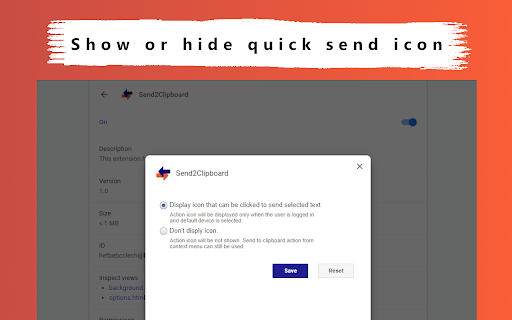
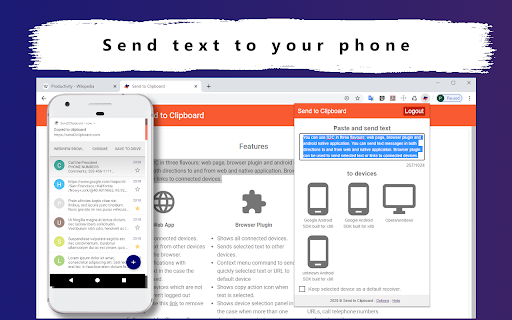
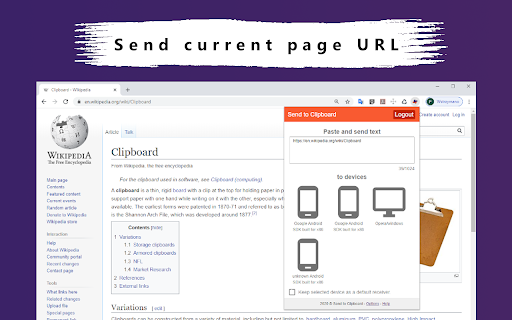
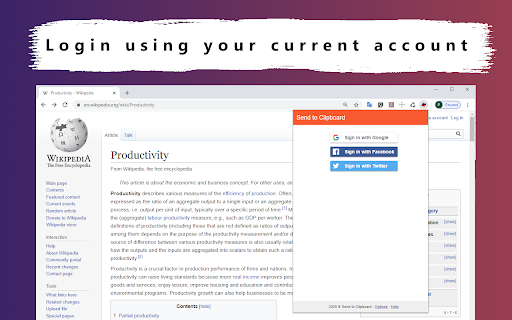
Send selected text, phone numbers and URLs to your mobile phone clipboard.
Don't waste your time and use Send2Clipboard to fill the gap between your PC and mobile phone. Use Send2Clipboard extension, web and mobile applications together to speed up your texting,sharing your URLs and make calls. Save important information on your mobile phone just in ONE click of your mouse.
Use Send2Clipboard to:
● Quick share selected text with connected mobile devices.
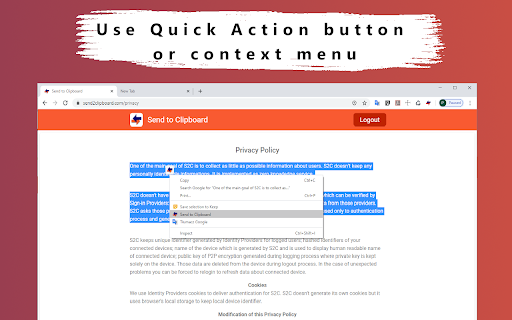
● Send selected text using context menu or quick action icon.
● Send selected text direct into phone clipboard.
● Share URL of opened web page to your mobile phone.
● Secure and encrypted transmission.
● Share phone numbers to direct call using quick action.
Imagine that:
★ You read interesting web page on your PC and you have to go out. In two clicks you can open that page on your mobile device.
★ You have a list of client phones and you want to call them without searching in contacts book.
★ You plan route on your PC in Google Maps and you want to transfer this route to your mobile device.
More information about the Send2Clipboard service:
☺ https://send2clipboard.com/about
| 分类 | 📝工作流程与规划 |
| 插件标识 | cpnopdckpgnkbdfelcednapfhnijljdj |
| 平台 | Chrome |
| 评分 |
☆☆☆☆☆
|
| 评分人数 | |
| 插件主页 | https://chromewebstore.google.com/detail/send-to-clipboard/cpnopdckpgnkbdfelcednapfhnijljdj |
| 版本号 | 25.2.3.0 |
| 大小 | 26.48KiB |
| 官网下载次数 | 19 |
| 下载地址 | |
| 更新时间 | 2020-05-17 00:00:00 |
CRX扩展文件安装方法
第1步: 打开Chrome浏览器的扩展程序
第2步:
在地址栏输入: chrome://extensions/
第3步: 开启右上角的【开发者模式】
第4步: 重启Chrome浏览器 (重要操作)
第5步: 重新打开扩展程序管理界面
第6步: 将下载的crx文件直接拖入页面完成安装
注意:请确保使用最新版本的Chrome浏览器