
WioKey Authenticator Companion Chrome 插件, crx 扩展下载
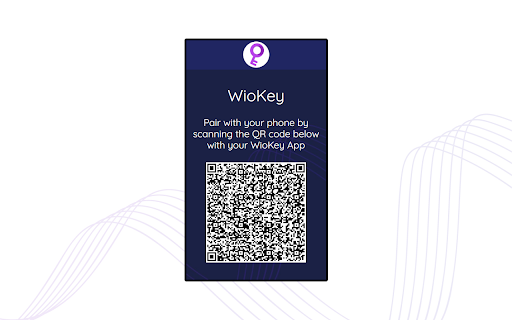

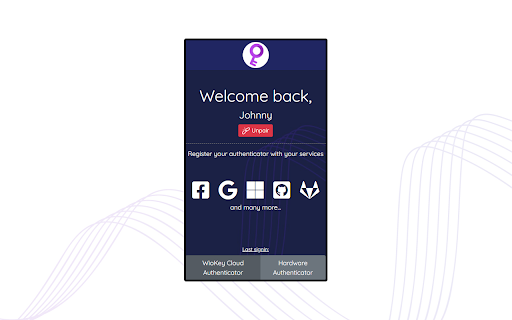
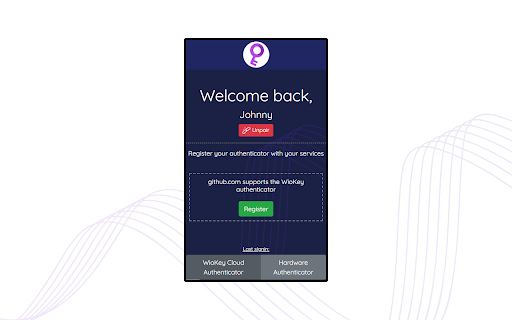
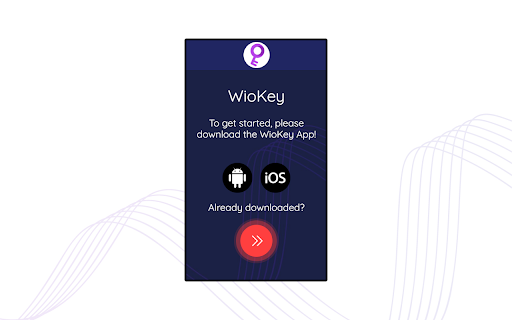
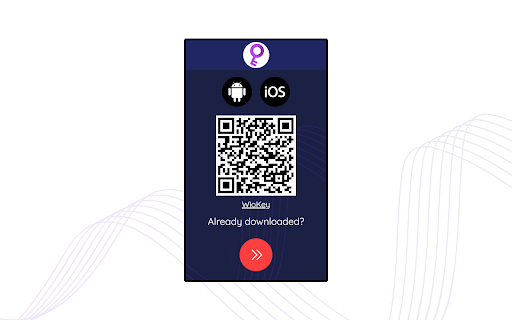
Online companion bridge for WioKey FIDO2 strong authenticator
WioKey replaces costly hardware security keys with a free app-based solution always on you.
This extension is a companion app and requires the WioKey app available on Android (https://play.google.com/store/apps/details?id=de.wiosense.wiokey&hl=en) and iOS (coming soon).
Currently, WioKey allows you to use your biometrics or phone password/PIN for 2-Factor Authentication (2FA) with all web services that have support for hardware security key 2FA logins. Additionally, WioKey supports FIDO2 passwordless logins with Microsoft accounts, Windows PC login and other FIDO2-compliant web services.
For a list of U2F supported web portals, please see https://twofactorauth.org/. For FIDO2 supported websites, please see the commercial deployment on the FIDO2 alliance website (https://fidoalliance.org/).
For more information regarding privacy concerns, consumer possiblities, deployment in your business and our roadmap, please contact us at [email protected].
| 分类 | 📝工作流程与规划 |
| 插件标识 | dejbgbcfgnegghgcnonglfmgoldddclb |
| 平台 | Chrome |
| 评分 |
☆☆☆☆☆
|
| 评分人数 | |
| 插件主页 | https://chromewebstore.google.com/detail/wiokey-authenticator-comp/dejbgbcfgnegghgcnonglfmgoldddclb |
| 版本号 | 25.2.3.0 |
| 大小 | 829KiB |
| 官网下载次数 | 76 |
| 下载地址 | |
| 更新时间 | 2020-10-04 00:00:00 |
CRX扩展文件安装方法
第1步: 打开Chrome浏览器的扩展程序
第2步:
在地址栏输入: chrome://extensions/
第3步: 开启右上角的【开发者模式】
第4步: 重启Chrome浏览器 (重要操作)
第5步: 重新打开扩展程序管理界面
第6步: 将下载的crx文件直接拖入页面完成安装
注意:请确保使用最新版本的Chrome浏览器