
new tab links Chrome 插件, crx 扩展下载
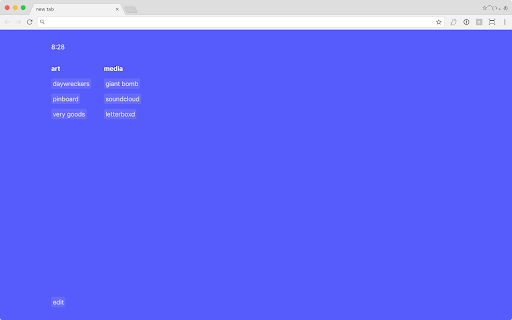
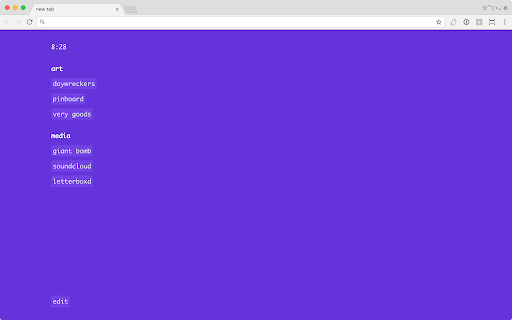
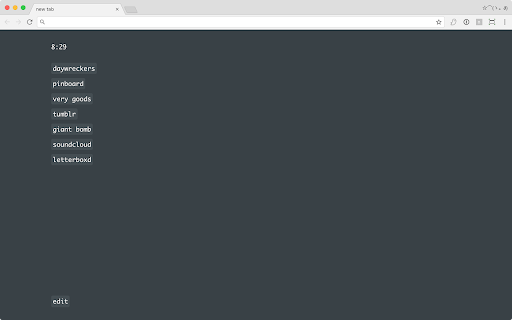
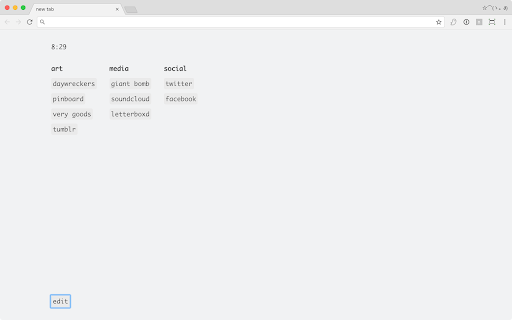
A replacement new tab page, displays a clock and links of your choosing.
A replacement for the new tab page, displays a small clock and a selection of editable links.
Add new links by clicking "edit" at the bottom left, and typing a link followed by a space and the title of the link.
New in 1.5.1:
- Yellow theme added
- Will now allow urls without a tld, such as 'http://localhost'
New in v1.5:
- Now allows for vertical/horizontal scrolling
- Edit menu has a background so it can be seen easier in front of long lists
- Blank lines no longer count as elements
| 分类 | 📝工作流程与规划 |
| 插件标识 | dhilgiccnfcdipikddkegbpphmnobpnn |
| 平台 | Chrome |
| 评分 |
☆☆☆☆☆
|
| 评分人数 | |
| 插件主页 | https://chromewebstore.google.com/detail/new-tab-links/dhilgiccnfcdipikddkegbpphmnobpnn |
| 版本号 | 1.1.9 |
| 大小 | 65.62KiB |
| 官网下载次数 | 144 |
| 下载地址 | |
| 更新时间 | 2021-03-25 00:00:00 |
CRX扩展文件安装方法
第1步: 打开Chrome浏览器的扩展程序
第2步:
在地址栏输入: chrome://extensions/
第3步: 开启右上角的【开发者模式】
第4步: 重启Chrome浏览器 (重要操作)
第5步: 重新打开扩展程序管理界面
第6步: 将下载的crx文件直接拖入页面完成安装
注意:请确保使用最新版本的Chrome浏览器