
Pass box Chrome 插件, crx 扩展下载
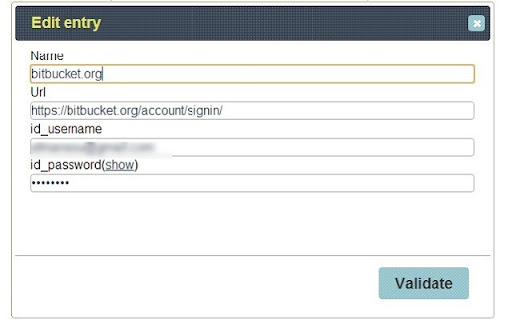
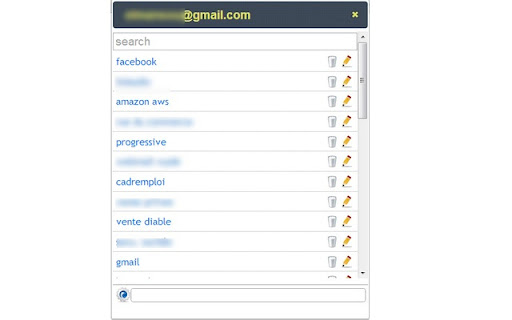
Passbox is a password manager. It manage your logins as a bookmark with auto-login functionality
=============================================================
Dear Users,
Passbox is back.New look, new notifications. Have fun........
=============================================================
Passbox is a password manager on the cloud. It saves your web ID(s) in an online bookmark with auto-login functionality.
With Passbox you can:
1. Save a your credentials for any website
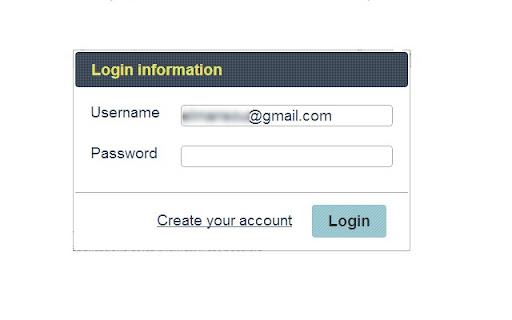
2. Login to them using directly from the application
3. Edit/delete an existing entry
4. Access to your account from any computer
5. Generate strong passwords for your accounts
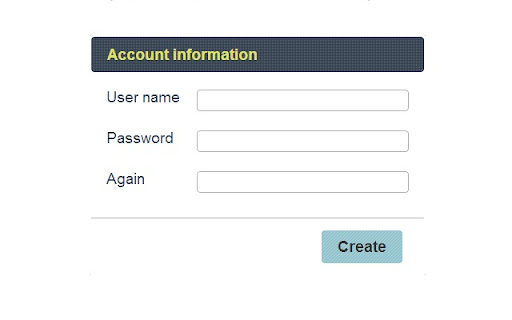
Having a google account is required to use Passbox. During the setup you will be asked to provide a password. This password is the encryption key.
Passbox uses your google drive account to store your IDs in a specific spreadsheet (there is no third party storage).
Passbbox use OAuth authentification process provide by google. So don't worry about your password.It's never used.
Before a logout you will be asked if you want to revoke your authentification tokens. The access is re-granted for the next login using the same process during the first setup.
| 分类 | 📝工作流程与规划 |
| 插件标识 | dkimikkgnohhonfpnajbjjkoepbklgpd |
| 平台 | Chrome |
| 评分 |
☆☆☆☆☆
|
| 评分人数 | |
| 插件主页 | https://chromewebstore.google.com/detail/pass-box/dkimikkgnohhonfpnajbjjkoepbklgpd |
| 版本号 | 25.2.3.0 |
| 大小 | 266KiB |
| 官网下载次数 | 105 |
| 下载地址 | |
| 更新时间 | 2015-04-14 00:00:00 |
CRX扩展文件安装方法
第1步: 打开Chrome浏览器的扩展程序
第2步:
在地址栏输入: chrome://extensions/
第3步: 开启右上角的【开发者模式】
第4步: 重启Chrome浏览器 (重要操作)
第5步: 重新打开扩展程序管理界面
第6步: 将下载的crx文件直接拖入页面完成安装
注意:请确保使用最新版本的Chrome浏览器