
FreshView for YouTube™ Chrome 插件, crx 扩展下载
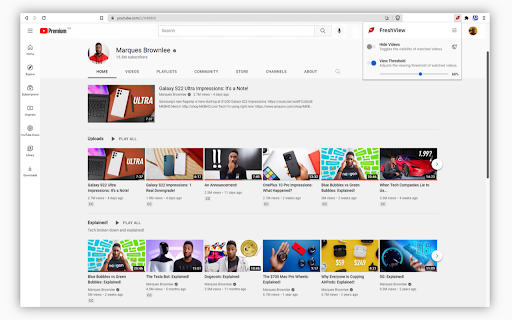
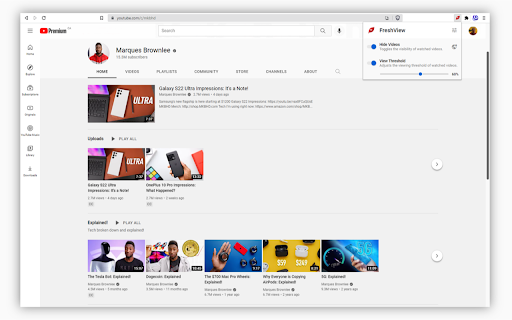

Hide YouTube™ videos you've already watched to easily discover fresh content.
FreshView for YouTube™ is an extension that helps you discover new YouTube™ videos by hiding ones you have already watched.
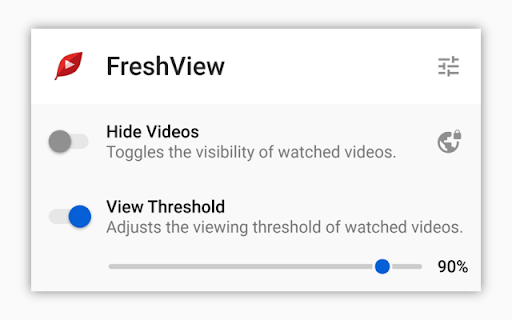
What can I control?
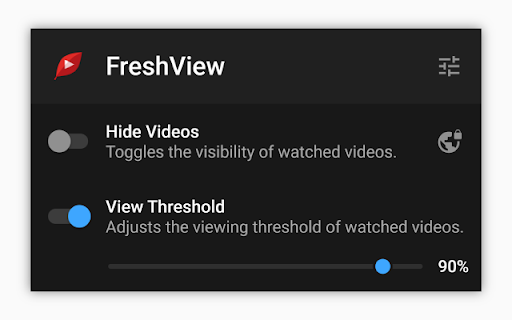
• The visibility of viewed YouTube™ videos using the "Hide Videos" toggle.
• The minimum watch progress of a viewed YouTube™ video using the "View Threshold" slider.
Are there any restrictions?
• You must be logged into a YouTube™ account with watch history enabled.
Where can I donate?
• Nowhere. Keep your money and enjoy!
What's new in FreshView for YouTube™ 2.1.0?
• A dedicated options page for configuring the extension.
• Filters to avoid hiding certain types of videos (e.g., playlist videos).
• Filters to always show watched videos on predefined YouTube™ pages.
• Multiple accessibility, performance, and reliability improvements.
YouTube™ is a trademark of Google Inc. Use of this trademark is subject to Google Permissions.
| 分类 | 📝工作流程与规划 |
| 插件标识 | eckknmnfoohbeklmjlidmfdlakndcfkm |
| 平台 | Chrome |
| 评分 |
☆☆☆☆☆
|
| 评分人数 | |
| 插件主页 | https://chromewebstore.google.com/detail/freshview-for-youtube/eckknmnfoohbeklmjlidmfdlakndcfkm |
| 版本号 | 2.1.0 |
| 大小 | 764KiB |
| 官网下载次数 | 8000 |
| 下载地址 | |
| 更新时间 | 2022-02-14 00:00:00 |
CRX扩展文件安装方法
第1步: 打开Chrome浏览器的扩展程序
第2步:
在地址栏输入: chrome://extensions/
第3步: 开启右上角的【开发者模式】
第4步: 重启Chrome浏览器 (重要操作)
第5步: 重新打开扩展程序管理界面
第6步: 将下载的crx文件直接拖入页面完成安装
注意:请确保使用最新版本的Chrome浏览器