
DevTools Author Chrome 插件, crx 扩展下载

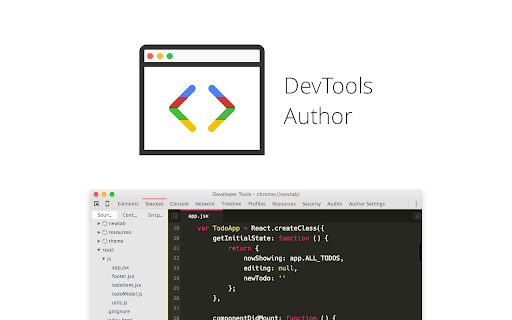
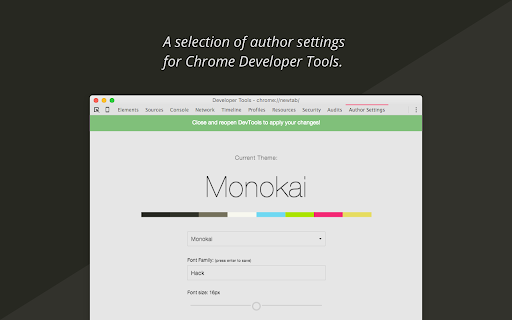
A selection of author settings for Chrome Developer Tools.
If you use DevTools as part of your
frontend development environment,
DevTools Author provides a small set of
options to enhance your authoring experience.
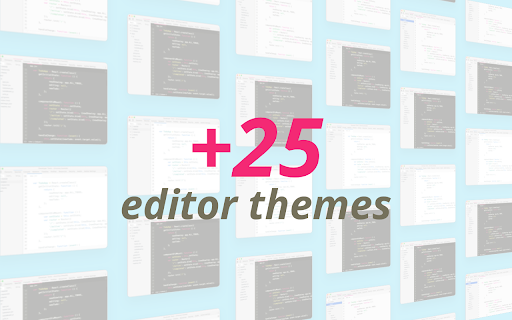
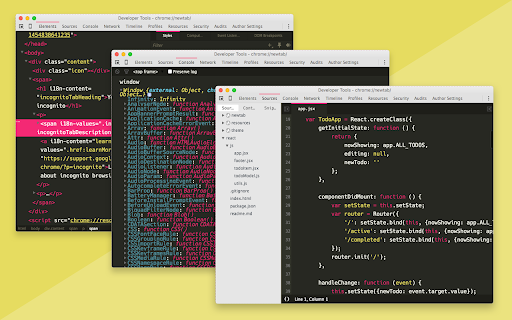
• Choose from +25 editor themes
• Custom font support
• Control font size (10px - 22px)
/* -------------------------------------------------------------
Installation
----------------------------------------------------------- */
• Add extension
• Enable Developer Tools experiments in chrome://flags/#enable-devtools-experiments. Restart Chrome for flags to take effect.
• Open DevTools (cmd + opt + I); Settings > Experiments > check Allow custom UI themes
• Reload DevTools. Theme selection, font-size, and font-family are configurable in the 'Author Settings' DevTools tab
| 分类 | 💻开发者工具 |
| 插件标识 | egfhcfdfnajldliefpdoaojgahefjhhi |
| 平台 | Chrome |
| 评分 |
☆☆☆☆☆
|
| 评分人数 | |
| 插件主页 | https://chromewebstore.google.com/detail/devtools-author/egfhcfdfnajldliefpdoaojgahefjhhi |
| 版本号 | 0.6.6 |
| 大小 | 377KiB |
| 官网下载次数 | 6000 |
| 下载地址 | |
| 更新时间 | 2016-03-30 00:00:00 |
CRX扩展文件安装方法
第1步: 打开Chrome浏览器的扩展程序
第2步:
在地址栏输入: chrome://extensions/
第3步: 开启右上角的【开发者模式】
第4步: 重启Chrome浏览器 (重要操作)
第5步: 重新打开扩展程序管理界面
第6步: 将下载的crx文件直接拖入页面完成安装
注意:请确保使用最新版本的Chrome浏览器