
Web Application Inspector Chrome 插件, crx 扩展下载
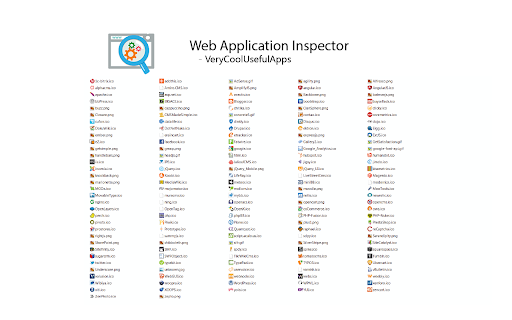
Detect web applications and javascript libraries run while browsing websites. VeryCoolUsefulApps.
Web Application Inspector gives you information about what technologies are used on a website. Just click on the little icon that comes up in the search bar of your browser to see all of the applications that the Inspector recognizes.
It will tell you if it is built with Wordpress, Drupal, or Joomla for example.
It will tell you also if the site is using IIS, Apache, Nginx, for example as well.
The code makes all of it analysis locally, it doesn't make external calls. You can confirm this with TCPView or other tools if you are interested.
This is open source code that has been modified from the original work available at https://github.com/nqbao/chromesniffer. This modification includes an HTML icon which should show up on all websites even if the Inspector doesn't recognize anything else.
| 分类 | 💻开发者工具 |
| 插件标识 | egfnnnfdmdpjaelfbndjfclonlfpfacf |
| 平台 | Chrome |
| 评分 |
☆☆☆☆☆
|
| 评分人数 | |
| 插件主页 | https://chromewebstore.google.com/detail/web-application-inspector/egfnnnfdmdpjaelfbndjfclonlfpfacf |
| 版本号 | 8.3 |
| 大小 | 702KiB |
| 官网下载次数 | 453 |
| 下载地址 | |
| 更新时间 | 2015-06-27 00:00:00 |
CRX扩展文件安装方法
第1步: 打开Chrome浏览器的扩展程序
第2步:
在地址栏输入: chrome://extensions/
第3步: 开启右上角的【开发者模式】
第4步: 重启Chrome浏览器 (重要操作)
第5步: 重新打开扩展程序管理界面
第6步: 将下载的crx文件直接拖入页面完成安装
注意:请确保使用最新版本的Chrome浏览器