
CheckBrowsersSupport Chrome 插件, crx 扩展下载
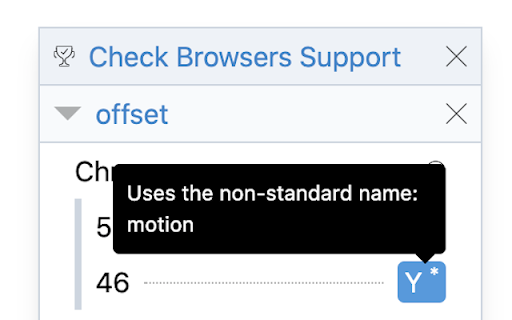
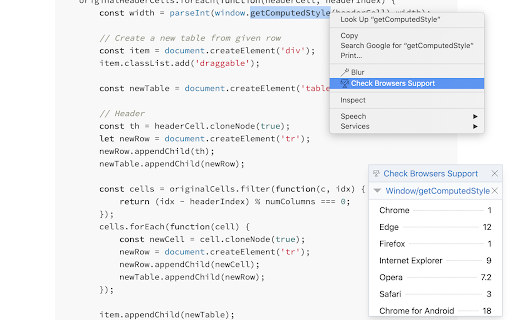
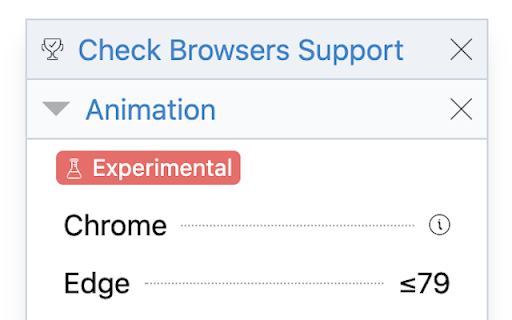
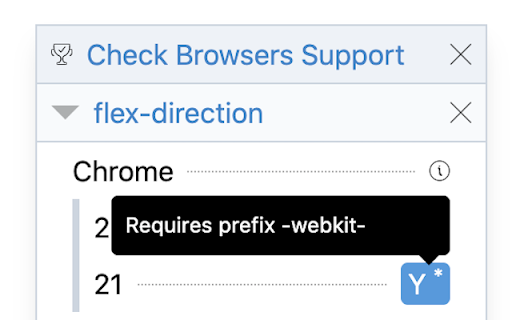
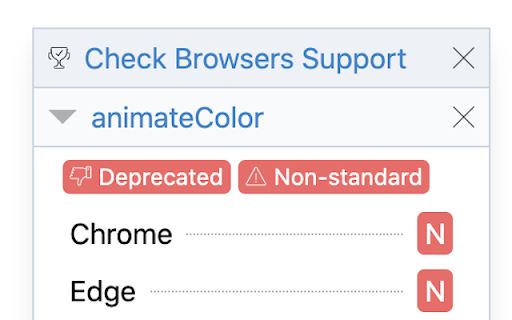
A browser extension to check if a given web technology is supported by browsers
This extension allows to check if a given web technology is supported by different desktop and mobile browsers.
## Features
* Up to date: Uses the latest data provided by MDN.
* Offline: Works without an Internet connection.
* Smart: Finds the best match from the selected text.
* Easy to use: Only two steps: Select text and Click a menu.
* Any site: Works on any website such as StackOverflow, GitHub, GitLab, Medium, etc.
* Browser: Available as a Chrome extension and Firefox add-on.
| 分类 | 💻开发者工具 |
| 插件标识 | egpoohfoccjppkkflbplihhmmmoopokp |
| 平台 | Chrome |
| 评分 |
☆☆☆☆☆
|
| 评分人数 | |
| 插件主页 | https://chromewebstore.google.com/detail/checkbrowserssupport/egpoohfoccjppkkflbplihhmmmoopokp |
| 版本号 | 2.0.4 |
| 大小 | 366KiB |
| 官网下载次数 | 14 |
| 下载地址 | |
| 更新时间 | 2020-09-21 00:00:00 |
CRX扩展文件安装方法
第1步: 打开Chrome浏览器的扩展程序
第2步:
在地址栏输入: chrome://extensions/
第3步: 开启右上角的【开发者模式】
第4步: 重启Chrome浏览器 (重要操作)
第5步: 重新打开扩展程序管理界面
第6步: 将下载的crx文件直接拖入页面完成安装
注意:请确保使用最新版本的Chrome浏览器