
Treehouse AutoPlay Chrome 插件, crx 扩展下载
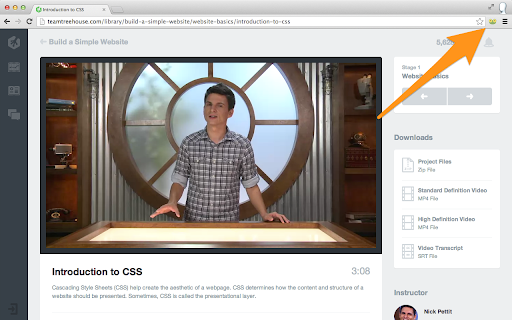
Automatically play through all of the videos in a badge.
This extension will automatically play the next video in the badge playlist when the current video finishes. Great for people that want to sit back and enjoy the videos without having to manually move on to the next video all of the time.
***** UPDATE v2 *****
Support for the updated Treehouse website.
You can get involved in the development here:
https://github.com/matt-west/treehouse-autoplay/
The 'treehouse' and 'mike the frog' logos are property of Treehouse Island, Inc.
| 分类 | 💻开发者工具 |
| 插件标识 | epcbdbkjnonaliagdjccjnoejpgdnjkm |
| 平台 | Chrome |
| 评分 |
☆☆☆☆☆
|
| 评分人数 | |
| 插件主页 | https://chromewebstore.google.com/detail/treehouse-autoplay/epcbdbkjnonaliagdjccjnoejpgdnjkm |
| 版本号 | 8.3 |
| 大小 | 63.97KiB |
| 官网下载次数 | 483 |
| 下载地址 | |
| 更新时间 | 2018-03-23 00:00:00 |
CRX扩展文件安装方法
第1步: 打开Chrome浏览器的扩展程序
第2步:
在地址栏输入: chrome://extensions/
第3步: 开启右上角的【开发者模式】
第4步: 重启Chrome浏览器 (重要操作)
第5步: 重新打开扩展程序管理界面
第6步: 将下载的crx文件直接拖入页面完成安装
注意:请确保使用最新版本的Chrome浏览器