
Copy video url Chrome 插件, crx 扩展下载
Copy video url
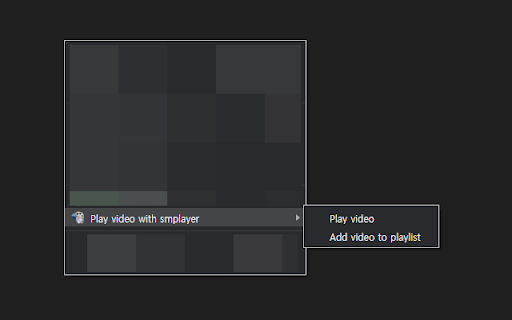
Play or add a Youtube video with SMPlayer (playlist).
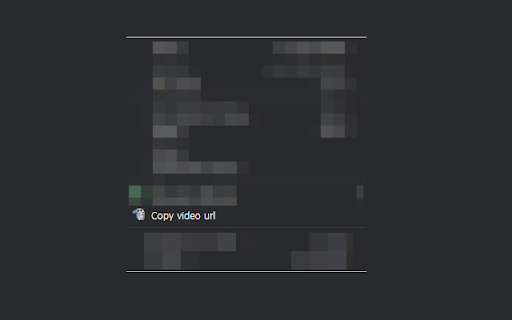
Copy a video url that SMPlayer is able to play.
(Supported site: Youtube, Twitch, NaverTV, afreecaTV)
Play or add a Youtube video with mouse middle click on Youtube link.
Prerequisite to use play or add a Youtube video
- SMPlyaer: https://www.smplayer.info
- Modify registry
(Reference: https://docs.microsoft.com/en-us/previous-versions/windows/internet-explorer/ie-developer/platform-apis/aa767914(v=vs.85) )
HEKY_CLASSES_ROOT
smplayer
URL Protocol = ""
shell
open
command
(Default) = "File_Path\smplayer.exe" "%1"
smplayer2
URL Protocol = ""
shell
open
command
(Default) = "File_Path\smplayer.exe" -add-to-playlist "%1"
Change log
Ver 1.1
- add site (afreecaTV)
Ver 1.2
- add copy youtube url with current time
| 分类 | ♿无障碍访问 |
| 插件标识 | fhfmfaokjdlpcbbofolnncfegfhgoafk |
| 平台 | Chrome |
| 评分 |
☆☆☆☆☆
|
| 评分人数 | |
| 插件主页 | https://chromewebstore.google.com/detail/copy-video-url/fhfmfaokjdlpcbbofolnncfegfhgoafk |
| 版本号 | 1.4 |
| 大小 | 79.35KiB |
| 官网下载次数 | 741 |
| 下载地址 | |
| 更新时间 | 2019-10-24 00:00:00 |
CRX扩展文件安装方法
第1步: 打开Chrome浏览器的扩展程序
第2步:
在地址栏输入: chrome://extensions/
第3步: 开启右上角的【开发者模式】
第4步: 重启Chrome浏览器 (重要操作)
第5步: 重新打开扩展程序管理界面
第6步: 将下载的crx文件直接拖入页面完成安装
注意:请确保使用最新版本的Chrome浏览器