
HireBee Chrome 插件, crx 扩展下载
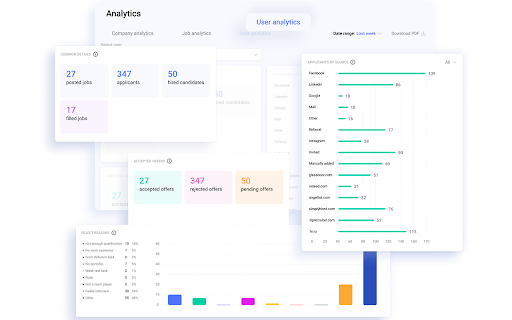
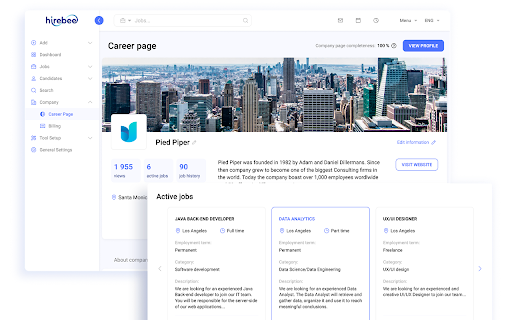
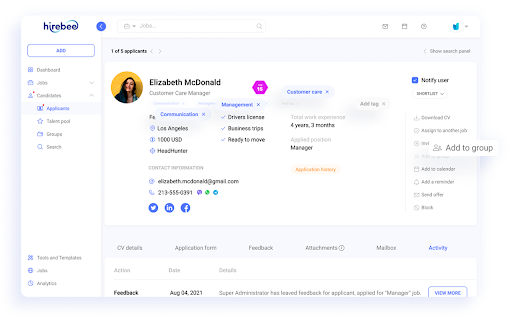


With Hirebee Sourcing Extension you can save time and source candidates 3 times faster. Simply
fill in all relevant information…
With Hirebee Sourcing Extension you can save time and source candidates 3 times faster. Simply
fill in all relevant information with just one click and add where the candidate was sourced from.
To make your sourcing a success, you can:
- Assign candidates to open job postings,
- Add candidates to your potential pipelines,
- Start your communication with the candidate after adding to your talent pool,
Communication is the key, so we took the extra mile for improved candidate experience:
- Get notified when the candidate info passed to your database and update information with new
details if needed,
- Create messages or use our templates to connect with the candidate right from Hirebee
dashboard,
- Schedule messages for better candidate experience
- Receive candidate response right on your Hirebee dashboard and have more optimized
communication.
Source like a ninja with Hirebee.
You need a Hirebee account to use the Hirebee Sourcing Extension. Request access here: https://hirebee.ai/
| 分类 | 📝工作流程与规划 |
| 插件标识 | gohjkcljkfamegallahhgfgnpgeoaabf |
| 平台 | Chrome |
| 评分 |
☆☆☆☆☆
|
| 评分人数 | |
| 插件主页 | https://chromewebstore.google.com/detail/hirebee/gohjkcljkfamegallahhgfgnpgeoaabf |
| 版本号 | 25.2.3.0 |
| 大小 | 1.12MiB |
| 官网下载次数 | 122 |
| 下载地址 | |
| 更新时间 | 2024-08-02 00:00:00 |
CRX扩展文件安装方法
第1步: 打开Chrome浏览器的扩展程序
第2步:
在地址栏输入: chrome://extensions/
第3步: 开启右上角的【开发者模式】
第4步: 重启Chrome浏览器 (重要操作)
第5步: 重新打开扩展程序管理界面
第6步: 将下载的crx文件直接拖入页面完成安装
注意:请确保使用最新版本的Chrome浏览器