
FlashBug! Chrome 插件, crx 扩展下载
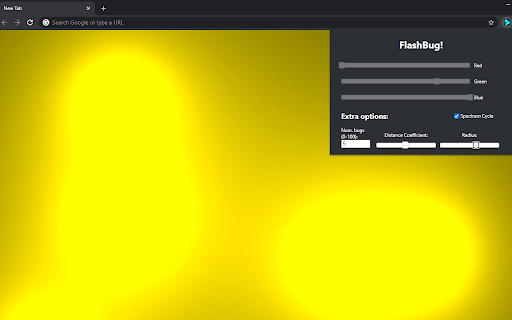
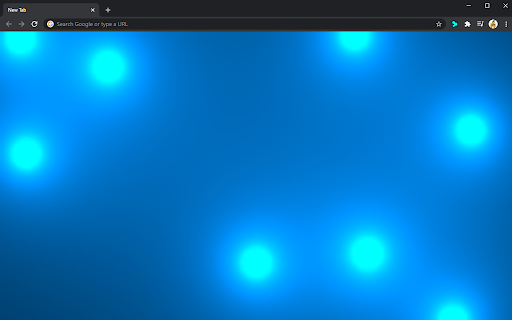
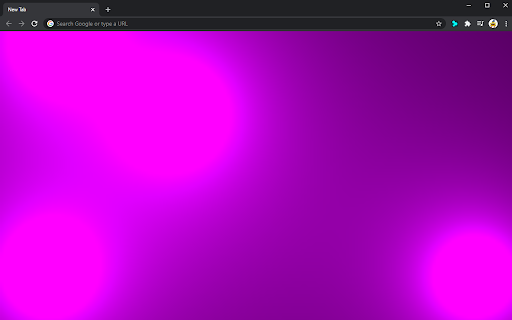
Replaces New Tabs with a customizable 60 fps moving background.
A colorful moving background which overrides New Tabs opened. Customizability ranges from colors of the metaballs, the size of them, and how many are on screen. The extension is extremely light and leaves Chrome's performance unnaffected; older systems may vary. A minimalistic extension which only affects the New Tab page; there is no search bar in the middle of the screen for New Tabs, however any typing in the New Tab page will automatically be rerouted to the URL bar, in no way hindering the ability to search Google.
To customize your background, click on the top-right puzzle icon, and in the dropdown you will see FlashBug! Clicking FlashBug! will open the customization window.
1.3 changes:
Include spectrum cycling mode that can be toggled, which gently changes colors over time.
Plans for 1.4:
Adjustable speed in spectrum cycling, toggle-able on and off mode, optional searchbar/bookmark bar in the center of the screen.
Inspiration is drawn from The Coding Train, who coded this type of animation using Java in his YouTube Coding Challenge series, episode #28. Credit to Basile Pesin as well, who translated the original code from Java to JavaScript; the code used in this extension draws inspiration from the translated version by Basile Pesin.
| 分类 | 🎉趣味休闲 |
| 插件标识 | hgiohbbhpanncimigeidpfpcfigfcoej |
| 平台 | Chrome |
| 评分 |
☆☆☆☆☆
|
| 评分人数 | |
| 插件主页 | https://chromewebstore.google.com/detail/flashbug/hgiohbbhpanncimigeidpfpcfigfcoej |
| 版本号 | 3.0.0.18 |
| 大小 | 355KiB |
| 官网下载次数 | 53 |
| 下载地址 | |
| 更新时间 | 2021-01-04 00:00:00 |
CRX扩展文件安装方法
第1步: 打开Chrome浏览器的扩展程序
第2步:
在地址栏输入: chrome://extensions/
第3步: 开启右上角的【开发者模式】
第4步: 重启Chrome浏览器 (重要操作)
第5步: 重新打开扩展程序管理界面
第6步: 将下载的crx文件直接拖入页面完成安装
注意:请确保使用最新版本的Chrome浏览器