
ChromeLens Chrome 插件, crx 扩展下载
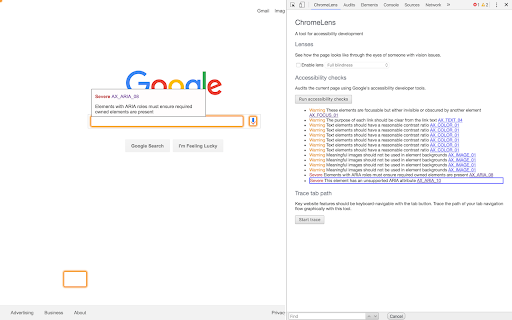
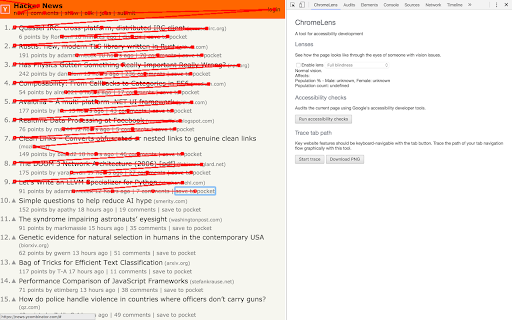
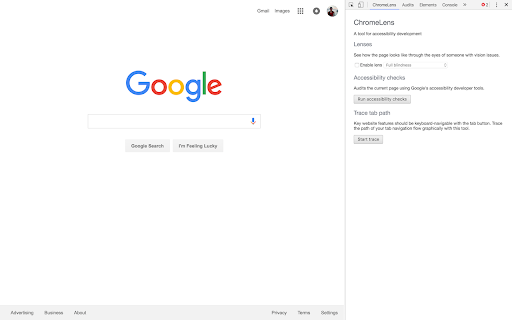
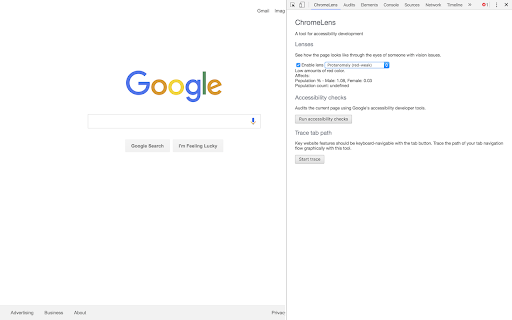
Visual impairment simulation and auditing tools to develop for accessibility.
ChromeLens is a Google Chrome extension that provides a suite of tools to help with web accessibility development.
- Lens (Vision Simulator)
Interact with a website as a completely/partially blind or a colorblind person.
- Accessibility Audit
Run a website through an series of accessibility rules and easily discover elements in your website that do not comply with them.
- Tab-tracker
Key website features should be navigable solely via the keyboard (tab button), while not making the user jump through hoops to get to a feature. With the tab-tracker, you can visually track the flow of navigation through a website.
Open sourced at https://github.com/chromelens/chromelens
Built during greylockhackfest 2016
| 分类 | ♿无障碍访问 |
| 插件标识 | idikgljglpfilbhaboonnpnnincjhjkd |
| 平台 | Chrome |
| 评分 |
☆☆☆☆☆
|
| 评分人数 | |
| 插件主页 | https://chromewebstore.google.com/detail/chromelens/idikgljglpfilbhaboonnpnnincjhjkd |
| 版本号 | 0.0.10 |
| 大小 | 105KiB |
| 官网下载次数 | 70000 |
| 下载地址 | |
| 更新时间 | 2020-05-22 00:00:00 |
CRX扩展文件安装方法
第1步: 打开Chrome浏览器的扩展程序
第2步:
在地址栏输入: chrome://extensions/
第3步: 开启右上角的【开发者模式】
第4步: 重启Chrome浏览器 (重要操作)
第5步: 重新打开扩展程序管理界面
第6步: 将下载的crx文件直接拖入页面完成安装
注意:请确保使用最新版本的Chrome浏览器