
Search Now - Shortcuts for Instant Searching Chrome 插件, crx 扩展下载
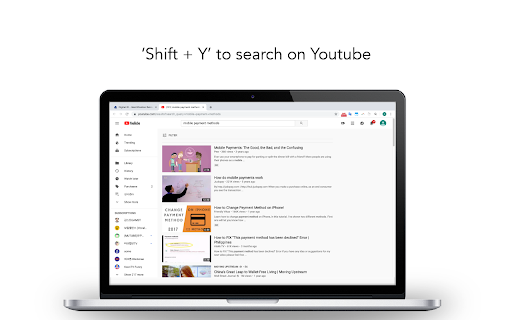
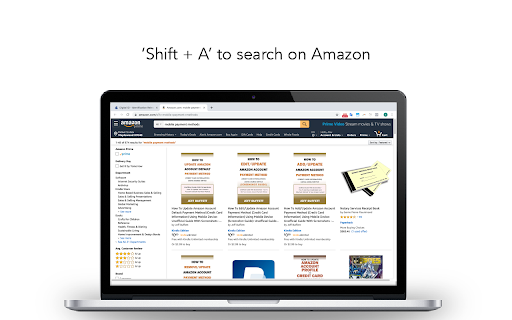

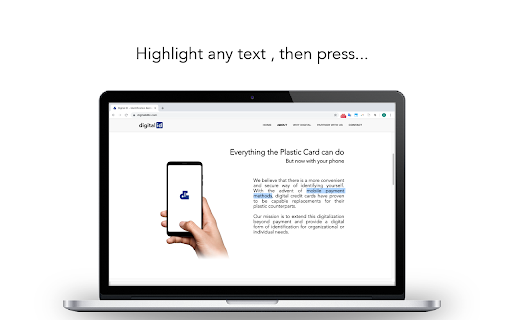
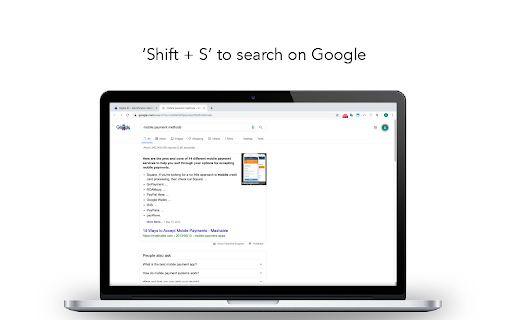
Get keyboard shortcuts to search instantly on Google, Youtube, Amazon, and more. Less typing. And no more copying or pasting.
Highlight any text you want to look up, then press...
• ‘Shift + S’ to search on Google
• ‘Shift + Y' to search on Youtube
• 'Shift + A' to search on Amazon
• 'Shift + M' to search on Google Maps
• 'Shift + I' to search on Instagram
• 'Shift + R' to search on Reddit
• 'Shift + N' to search on Naver
• 'Shift + B' to search on Baidu
If you would like to remove the keyboard shortcuts from Chrome, click on the extension icon located at the upper-right corner, then select ‘Remove from Chrome…’
*Version 1.1 Release Notes*
What's New
- You can now use keyboard shortcuts to search on Google Maps, Instagram, Reddit, Naver, and Baidu.
Bug Fixes
- Keyboard shortcuts were enabled while editing text
★ This extension does not work outside the Chrome browser ★
| 分类 | 🛠️工具 |
| 插件标识 | ikajjpdbfocfkbgkjibhhdlkcpkdapmi |
| 平台 | Chrome |
| 评分 |
☆☆☆☆☆
|
| 评分人数 | |
| 插件主页 | https://chromewebstore.google.com/detail/search-now-shortcuts-for/ikajjpdbfocfkbgkjibhhdlkcpkdapmi |
| 版本号 | 0.1.166 |
| 大小 | 6.34KiB |
| 官网下载次数 | 79 |
| 下载地址 | |
| 更新时间 | 2019-11-27 00:00:00 |
CRX扩展文件安装方法
第1步: 打开Chrome浏览器的扩展程序
第2步:
在地址栏输入: chrome://extensions/
第3步: 开启右上角的【开发者模式】
第4步: 重启Chrome浏览器 (重要操作)
第5步: 重新打开扩展程序管理界面
第6步: 将下载的crx文件直接拖入页面完成安装
注意:请确保使用最新版本的Chrome浏览器