
Ribbing Reader Chrome 插件, crx 扩展下载
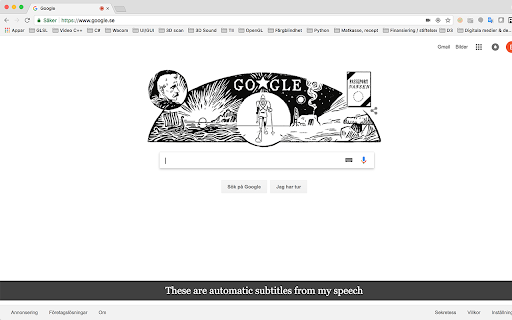
Automatic browser subtitles using speech-to-text. 32 supported languages. Perfect for live presentations and in the classroom.
Automatic subtitles in your browser, using speech-to-text technology. The tool supports 32 languages and a number of dialects. Perfect for live presentations and in the classroom.
| 分类 | ♿无障碍访问 |
| 插件标识 | ipilhfnbdkfbnbnahplmimdilodohknp |
| 平台 | Chrome |
| 评分 |
☆☆☆☆☆
|
| 评分人数 | |
| 插件主页 | https://chromewebstore.google.com/detail/ribbing-reader/ipilhfnbdkfbnbnahplmimdilodohknp |
| 版本号 | 2.19.1 |
| 大小 | 25.57KiB |
| 官网下载次数 | 89 |
| 下载地址 | |
| 更新时间 | 2017-10-17 00:00:00 |
CRX扩展文件安装方法
第1步: 打开Chrome浏览器的扩展程序
第2步:
在地址栏输入: chrome://extensions/
第3步: 开启右上角的【开发者模式】
第4步: 重启Chrome浏览器 (重要操作)
第5步: 重新打开扩展程序管理界面
第6步: 将下载的crx文件直接拖入页面完成安装
注意:请确保使用最新版本的Chrome浏览器