
netmonitor Chrome 插件, crx 扩展下载
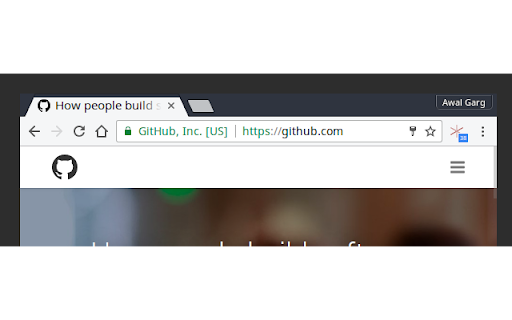
shows network usage of webpages when the browser doesn't
The "loading" icon for tabs in browsers only spins at first when the page is loaded. But even after that, web pages can do network IO via JavaScript in background without the user knowing. This extension highlights such network activity and shows a count of requests done till now by the page in a small indicator. It's updated in real-time for each tab.
A lot of web pages use background network requests for tracking user actions and sending data to remote servers, lazily loading heavy assets etc., and all that goes unnoticed by the user. Ideally, the browser's "loading icon" should spin for those requests as well.
Uploaded to my account by request of the author. Go star his GitHub project here: https://github.com/awalGarg/netmonitor
| 分类 | 💻开发者工具 |
| 插件标识 | jekcpjegemgakiacfgiplacomhabclce |
| 平台 | Chrome |
| 评分 |
☆☆☆☆☆
|
| 评分人数 | |
| 插件主页 | https://chromewebstore.google.com/detail/netmonitor/jekcpjegemgakiacfgiplacomhabclce |
| 版本号 | 0.0.1.3 |
| 大小 | 92.13KiB |
| 官网下载次数 | 738 |
| 下载地址 | |
| 更新时间 | 2016-07-10 00:00:00 |
CRX扩展文件安装方法
第1步: 打开Chrome浏览器的扩展程序
第2步:
在地址栏输入: chrome://extensions/
第3步: 开启右上角的【开发者模式】
第4步: 重启Chrome浏览器 (重要操作)
第5步: 重新打开扩展程序管理界面
第6步: 将下载的crx文件直接拖入页面完成安装
注意:请确保使用最新版本的Chrome浏览器