
IRC Inspired Theme for Facebook Messenger Chrome 插件, crx 扩展下载
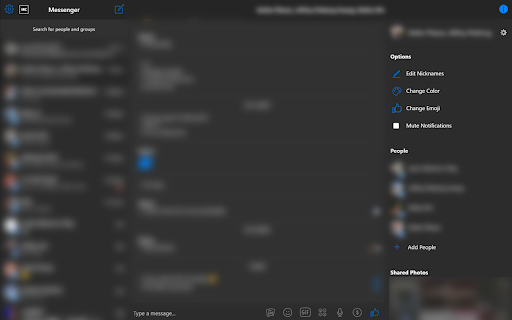
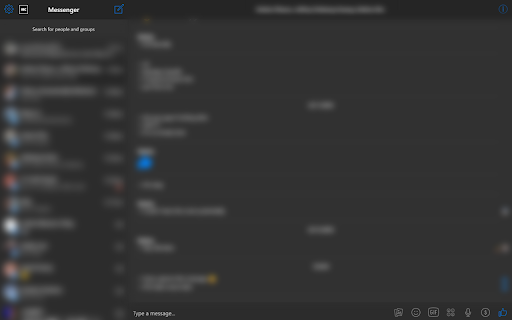
An IRC inspired theme for Facebook Messenger (messenger.com)
An IRC inspired, flat theme for the Facebook Messenger Web App (messenger.com).
Once installed, press the square icon labelled "IRC" in the top left corner of Messenger to enable the theme.
This extensions change the following:
- Enables a dark, minimal theme for Facebook Messenger
- Moves all messages to the left-hand side of the screen
- Modifies image previews to be less intrusive and flow better in the conversation feed
- Retains all functionality of Messenger
- Second "IRC" mode for even more minimalism (See Below)
Modes
Standard
- Enable this mode with a `Click` on the IRC button in the top left corner
IRC
- Enable this mode with a `Cmd/Ctrl` + `Click` on the IRC button in the top left corner
- This mode removes names from 1-on-1 conversations and only shows participant names in group conversations
- Messages sent by the current user are prepended with a ">"
- Messages sent by other participants are prepended with a "+"
View the source code for this project and contribute here:
https://github.com/iFallUpHill/facebook-messenger-irc-flat-theme
| 分类 | ♿无障碍访问 |
| 插件标识 | jkocbkfbiljhcdjopoeijnhnichhpefb |
| 平台 | Chrome |
| 评分 |
☆☆☆☆☆
|
| 评分人数 | |
| 插件主页 | https://chromewebstore.google.com/detail/irc-inspired-theme-for-fa/jkocbkfbiljhcdjopoeijnhnichhpefb |
| 版本号 | 2.19.1 |
| 大小 | 25.42KiB |
| 官网下载次数 | 303 |
| 下载地址 | |
| 更新时间 | 2019-12-28 00:00:00 |
CRX扩展文件安装方法
第1步: 打开Chrome浏览器的扩展程序
第2步:
在地址栏输入: chrome://extensions/
第3步: 开启右上角的【开发者模式】
第4步: 重启Chrome浏览器 (重要操作)
第5步: 重新打开扩展程序管理界面
第6步: 将下载的crx文件直接拖入页面完成安装
注意:请确保使用最新版本的Chrome浏览器