
Dribbble. Infinite. Chrome 插件, crx 扩展下载

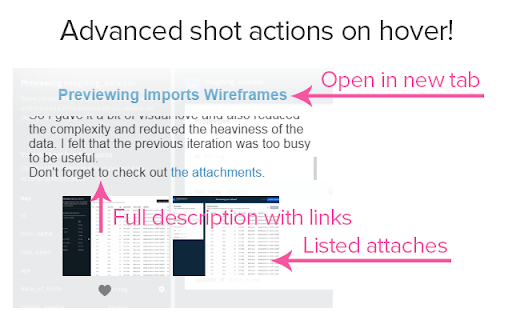
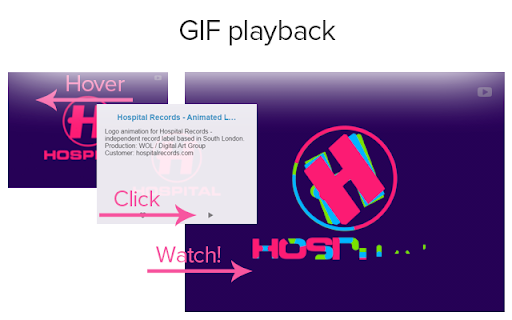
New infinite scrolling for Dribbble recent page based on ID fetching. Other standard enhancements included!
** Project is not updating for a long time - if you find it useful, and want more - let me know ;) **
Infinite recents page for Dribbble.com!
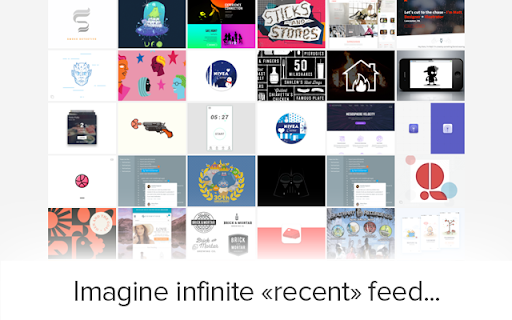
Now you can scroll feed up to the very end! No 20 pages limitation - browse as long as you want!
Thanks to loading shots by ID, not by pages.
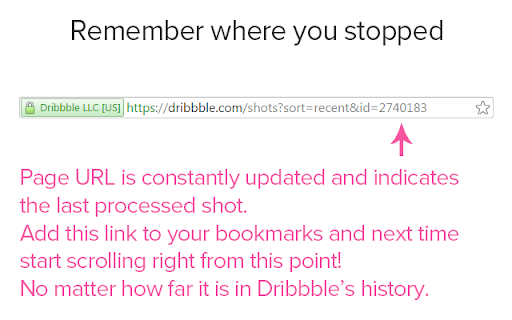
Offset you've reached is stored in the URL, so you can add bookmark and next time start right where you stopped to go even deepen in history!
*Beta*
Important limitation: Dribbble has it's own limitation on total page views count. Every shot is loaded from server as a separate link, not as a page with bunch of links in one. So at some point you'll face 403 error. Extension handles short term 403 error when you're "benched for a minute". But when finally you'll be "benched for a day", there is nothing we can do :) Add page URL to bookmarks and come back next day!
BTW, even when you switch page one by one in default Dribbble viewer, you'll face those limitation quickly :)
| 分类 | 👥社交 |
| 插件标识 | kaiamihfcdmkpmgejfdfbhpfapehlgma |
| 平台 | Chrome |
| 评分 |
☆☆☆☆☆
|
| 评分人数 | |
| 插件主页 | https://chromewebstore.google.com/detail/dribbble-infinite/kaiamihfcdmkpmgejfdfbhpfapehlgma |
| 版本号 | 3.128.4 |
| 大小 | 84.88KiB |
| 官网下载次数 | 76 |
| 下载地址 | |
| 更新时间 | 2017-11-12 00:00:00 |
CRX扩展文件安装方法
第1步: 打开Chrome浏览器的扩展程序
第2步:
在地址栏输入: chrome://extensions/
第3步: 开启右上角的【开发者模式】
第4步: 重启Chrome浏览器 (重要操作)
第5步: 重新打开扩展程序管理界面
第6步: 将下载的crx文件直接拖入页面完成安装
注意:请确保使用最新版本的Chrome浏览器