
Simple Notepad Chrome 插件, crx 扩展下载
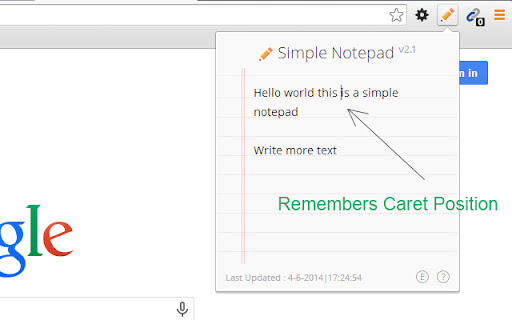
Simple Notepad with Auto-Save feature for storing general information
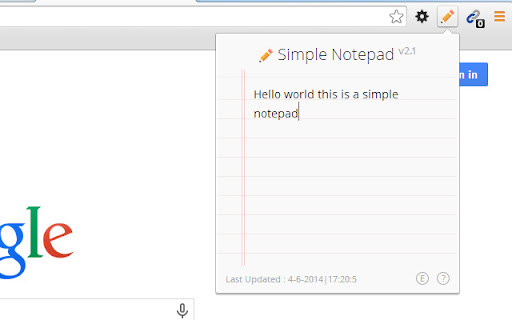
A simple light weight notepad extension to store notes with an ease. Generally useful when you want to save phone numbers, links, reminders temporarily.
Features :
- Backup your notes on Cloud Server (Powered by jsonbin.io) (As of v3.0)
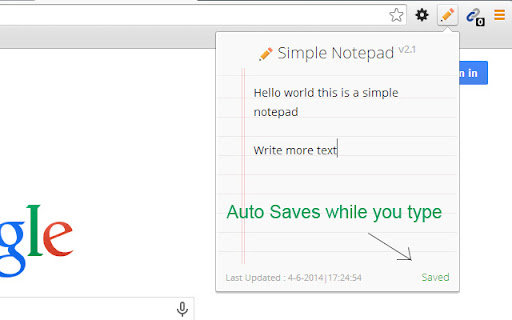
- Auto Save Notes
- Remembers Caret Position
- Reports Last Saved
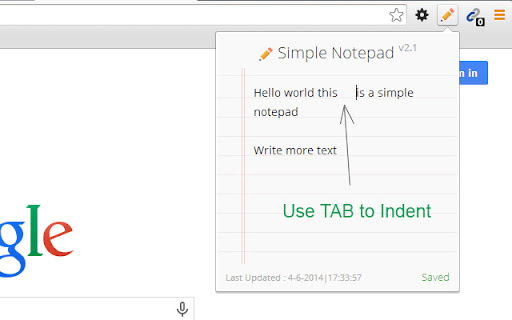
- Use TAB Key to Indent your text (As of v2.0)
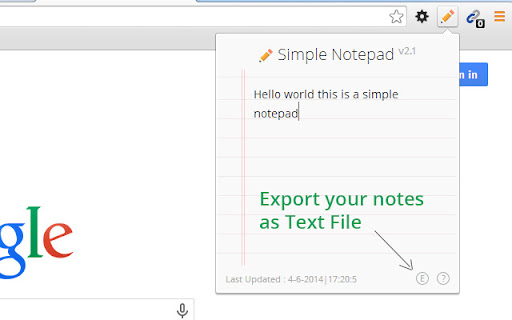
- Export your Notes as Text Files (As of v2.1)
No crappy advertisements, no extra junk.
------------
Change Log :
- Version 3.2
-- Added a link for Advanced notepad.
-- Added powered by JSONbin.io in cloud backup panel.
- Version 3.1
-- Added a notification for Advance Notepad
- Version 3
-- Added cloud backup support using JSONbin.io
- Version 2.1
-- Added Export Functionality
-- Removed stray code
- Version 2.0
-- Use tab key to indent
-- Refactored the code a bit
- Version 1.1 Beta
-- Added offline Support
- Initial Release
| 分类 | 📝工作流程与规划 |
| 插件标识 | kfjclcfpbfhdmikhohhjacgdmndneckj |
| 平台 | Chrome |
| 评分 |
☆☆☆☆☆
|
| 评分人数 | |
| 插件主页 | https://chromewebstore.google.com/detail/simple-notepad/kfjclcfpbfhdmikhohhjacgdmndneckj |
| 版本号 | 2.2 |
| 大小 | 52.85KiB |
| 官网下载次数 | 5000 |
| 下载地址 | |
| 更新时间 | 2021-08-15 00:00:00 |
CRX扩展文件安装方法
第1步: 打开Chrome浏览器的扩展程序
第2步:
在地址栏输入: chrome://extensions/
第3步: 开启右上角的【开发者模式】
第4步: 重启Chrome浏览器 (重要操作)
第5步: 重新打开扩展程序管理界面
第6步: 将下载的crx文件直接拖入页面完成安装
注意:请确保使用最新版本的Chrome浏览器