
Auto Login Chrome 插件, crx 扩展下载
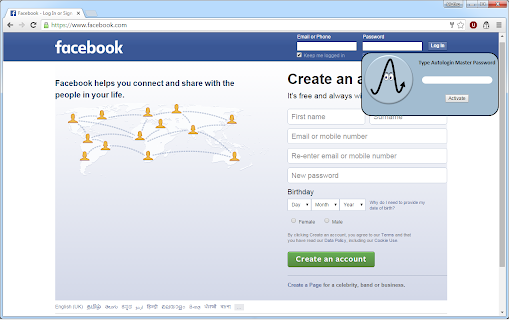
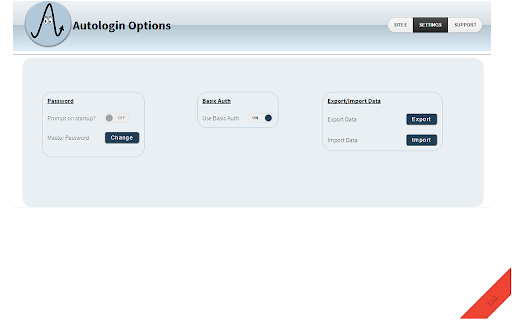

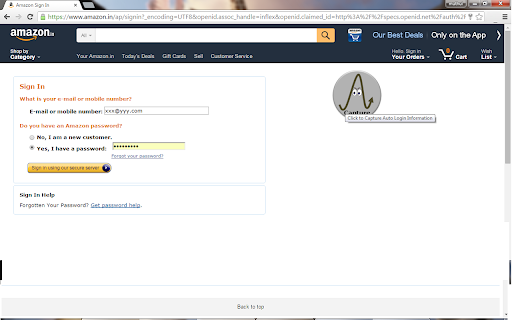
Automatically login to your favourite websites without entering credentials , even for Basic Auth Now
If you are a person, who would like an automated solution to logging into your favourite sites & Basic Auth without popping up, this extension is for you.
What it does
===============
Allow User to autmatically login to websites, with saved credentials
Features
========
Changed the Algorithm for Capturing to work across multiple sites.
Automated login to your websites , with saved username /password
Enable /Disable auto login for individual websites.
Autologin Information Protected by password.
Option of having a prompt for password before Automatic Login to sites
About
======
We dont inject any Ads
We dont store any information on server.
The plugin is Open Source Have a look at https://github.com/muthuishere/autologin
Support
=======
https://www.facebook.com/pages/Auto-Login/433751853437039
Privacy Policy
=============
http://deemwar.com/chrome-extn-privacypolicy.htm
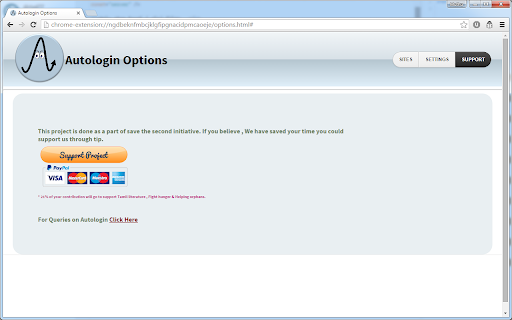
Sponsor Project
===============
Goto Autologin Options => Support
| 分类 | 📝工作流程与规划 |
| 插件标识 | kjdgohfkopafhjmmlbojhaabfpndllgk |
| 平台 | Chrome |
| 评分 |
☆☆☆☆☆
|
| 评分人数 | |
| 插件主页 | https://chromewebstore.google.com/detail/auto-login/kjdgohfkopafhjmmlbojhaabfpndllgk |
| 版本号 | 25.2.3.0 |
| 大小 | 954KiB |
| 官网下载次数 | 10000 |
| 下载地址 | |
| 更新时间 | 2022-10-17 00:00:00 |
CRX扩展文件安装方法
第1步: 打开Chrome浏览器的扩展程序
第2步:
在地址栏输入: chrome://extensions/
第3步: 开启右上角的【开发者模式】
第4步: 重启Chrome浏览器 (重要操作)
第5步: 重新打开扩展程序管理界面
第6步: 将下载的crx文件直接拖入页面完成安装
注意:请确保使用最新版本的Chrome浏览器