
Awesome Lorem Ipsum Generator & Form Filler Chrome 插件, crx 扩展下载
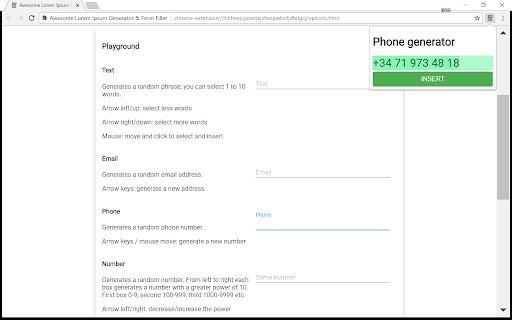
Generate lorem ipsum or other random text, html or numbers to quickly fill your forms.
Select an input field on your page, press CTRL+Q, press enter. Done!
You can also use your arrow keys or mouse to play around with the settings and customize the length of the text to insert or generate different values.
This extension uses browsers copy and paste commands to ensure javascript events are triggered and the form is properly handled by the page.
NOTE: the extension is still in development. It already works great and many customization features will be added. You can find the source code at: https://github.com/erichbehrens/aliff
Support for:
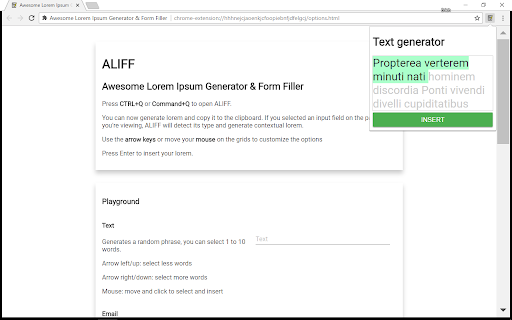
- Text: single line text inputs
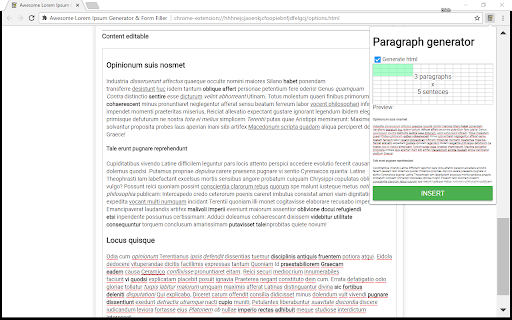
- Paragraph: multiline, textarea
- HTML: content editable, rich text editors
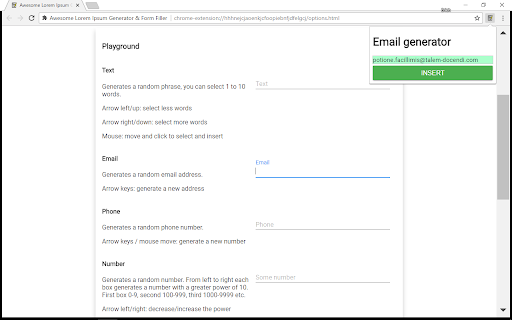
- Email input
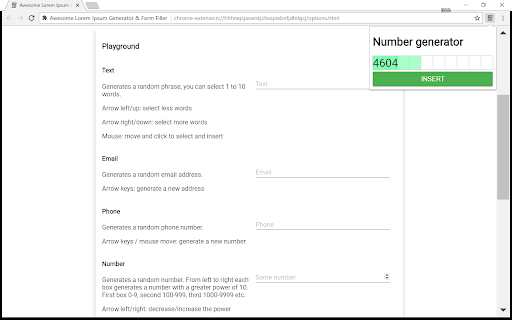
- Number input
- Phone input
Why ALIFF?
As a web developer I sometimes have to fill forms and content pages to test them out. I've tried a few different form fillers and lorem ipsum generators and they usually lack some feature: no support for content editable fields, no html generation, no support for various field types and options are usally limited or complicated. So I've created ALIFF to combine all these features in a single place and make them simple to use.
| 分类 | 💻开发者工具 |
| 插件标识 | klapbdjmkdbfdboihdcopnlfdemplphc |
| 平台 | Chrome |
| 评分 |
☆☆☆☆☆
|
| 评分人数 | |
| 插件主页 | https://chromewebstore.google.com/detail/awesome-lorem-ipsum-gener/klapbdjmkdbfdboihdcopnlfdemplphc |
| 版本号 | 8.3 |
| 大小 | 363KiB |
| 官网下载次数 | 584 |
| 下载地址 | |
| 更新时间 | 2018-04-01 00:00:00 |
CRX扩展文件安装方法
第1步: 打开Chrome浏览器的扩展程序
第2步:
在地址栏输入: chrome://extensions/
第3步: 开启右上角的【开发者模式】
第4步: 重启Chrome浏览器 (重要操作)
第5步: 重新打开扩展程序管理界面
第6步: 将下载的crx文件直接拖入页面完成安装
注意:请确保使用最新版本的Chrome浏览器