
LookUp - Personal Vocabulary Companion Chrome 插件, crx 扩展下载
Build your vocabulary by looking up word meanings, and saving the ones you want.
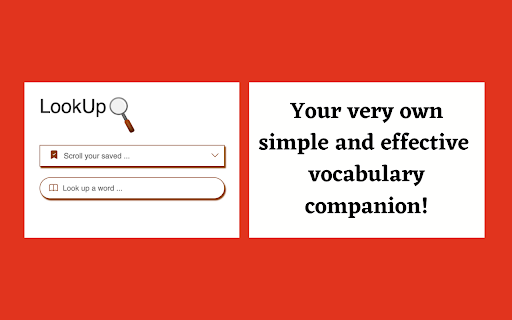
LookUp is a free and easy-to-use vocabulary companion. A handy extension for all (especially for students, frequent readers and new English learners), as it helps in learning new words and building one's vocabulary.
Key features:
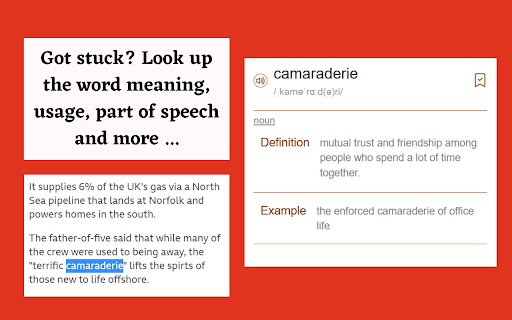
⋆ Instantly search for the meaning of a word that you haven't heard before.
⋆ Get more information such as the part of speech, phonetics, sentence usage, pronunciation and more.
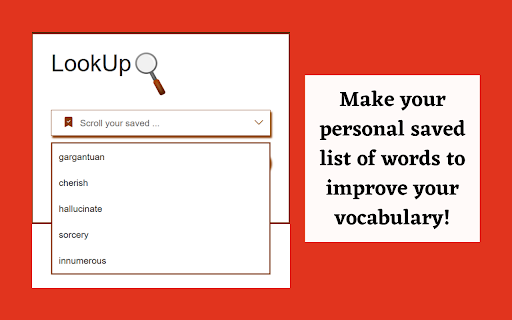
⋆ Save the words in your very own personal bookmarked list for viewing them later which is a great way to build your knowledge.
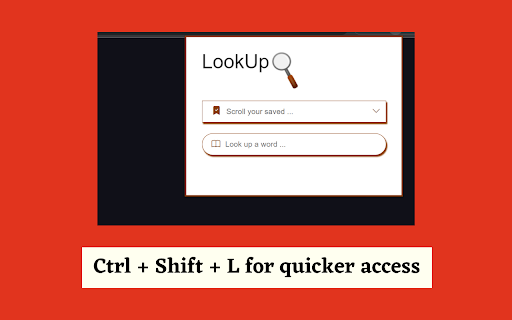
⋆ Use the Shortcut Key: Ctrl + Shift + L for quicker access to the extension.
Add it to your chrome browser now to try it out!
Like it?
Dislike it?
Have a suggestion?
Let me know by writing a feedback.
Source Code:
https://github.com/NinadSutrave/lookup-chrome
Thank you!
| 分类 | ♿无障碍访问 |
| 插件标识 | lamkbakfmcoaibacdbpgejffopbhhpgn |
| 平台 | Chrome |
| 评分 |
☆☆☆☆☆
|
| 评分人数 | |
| 插件主页 | https://chromewebstore.google.com/detail/lookup-personal-vocabular/lamkbakfmcoaibacdbpgejffopbhhpgn |
| 版本号 | 2.6.7 |
| 大小 | 368KiB |
| 官网下载次数 | 74 |
| 下载地址 | |
| 更新时间 | 2023-05-12 00:00:00 |
CRX扩展文件安装方法
第1步: 打开Chrome浏览器的扩展程序
第2步:
在地址栏输入: chrome://extensions/
第3步: 开启右上角的【开发者模式】
第4步: 重启Chrome浏览器 (重要操作)
第5步: 重新打开扩展程序管理界面
第6步: 将下载的crx文件直接拖入页面完成安装
注意:请确保使用最新版本的Chrome浏览器