
Secure Bookmarks Chrome 插件, crx 扩展下载
Adds a password-protected bookmark list
Secure Bookmarks adds a password-protected bookmarks list to Google Chrome.
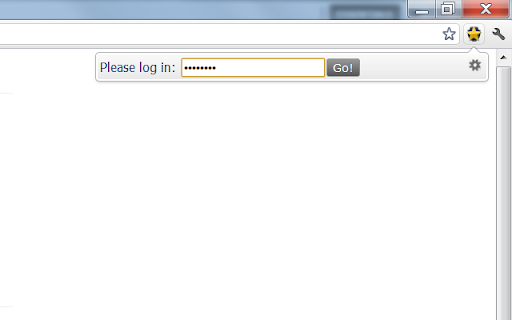
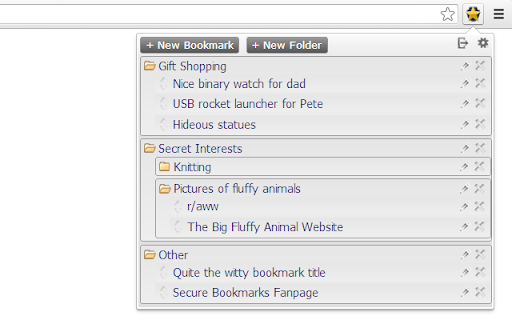
You will occasionally want to create bookmarks without sharing them with others using your computer. Where to store this information safely? Secure Bookmarks allows you to store such bookmarks in a separate list, safely encrypted on your hard drive. After opening your browser, simply click the Secure Bookmarks icon and enter your password to retrieve your bookmarks! All decrypted information is lost the second you close your browser.
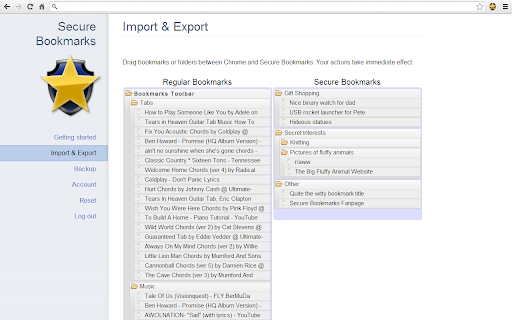
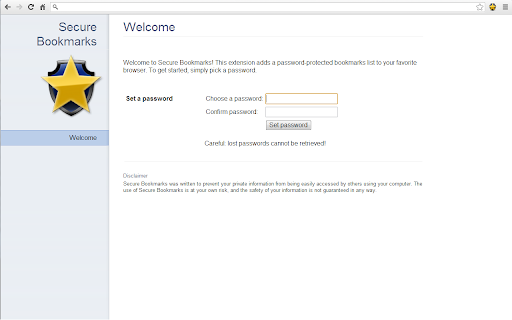
Secure Bookmarks includes a ten second set-up page and a clean and intuitive interface, allowing you to create, edit, and rearrange bookmarks easily. Use folders to organize your bookmarks. Plus, you can exchange bookmarks between Chrome and Secure Bookmarks effortlessly from the Settings page.
You can export your data to an encrypted text file, which can be used to restore information or share between computers.
Be sure to request extra features or improvements. Also, please take the effort to leave a rating if you appreciate my hard work!
New in version 1.4.4:
- Added always-open-incognito option
- Added 'Add to Secure Bookmarks' context menu item
- Performance improvements and minor bug fixes
| 分类 | 📝工作流程与规划 |
| 插件标识 | leocjgngiajhfiikjolfhcpiokgbinep |
| 平台 | Chrome |
| 评分 |
☆☆☆☆☆
|
| 评分人数 | |
| 插件主页 | https://chromewebstore.google.com/detail/secure-bookmarks/leocjgngiajhfiikjolfhcpiokgbinep |
| 版本号 | 1.1.2 |
| 大小 | 155KiB |
| 官网下载次数 | 40000 |
| 下载地址 | |
| 更新时间 | 2013-12-10 00:00:00 |
CRX扩展文件安装方法
第1步: 打开Chrome浏览器的扩展程序
第2步:
在地址栏输入: chrome://extensions/
第3步: 开启右上角的【开发者模式】
第4步: 重启Chrome浏览器 (重要操作)
第5步: 重新打开扩展程序管理界面
第6步: 将下载的crx文件直接拖入页面完成安装
注意:请确保使用最新版本的Chrome浏览器