
superQuery - BigQuery AI optimization engine Chrome 插件, crx 扩展下载
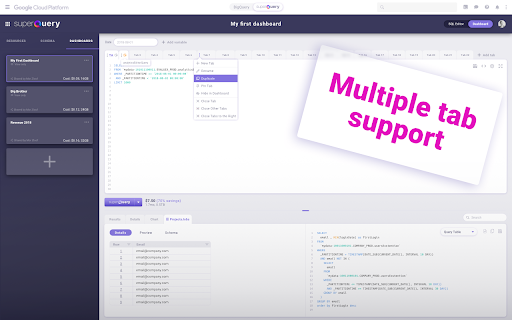

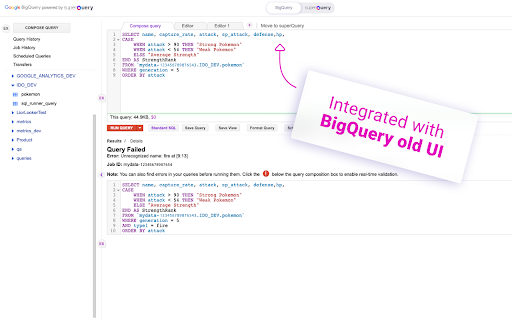
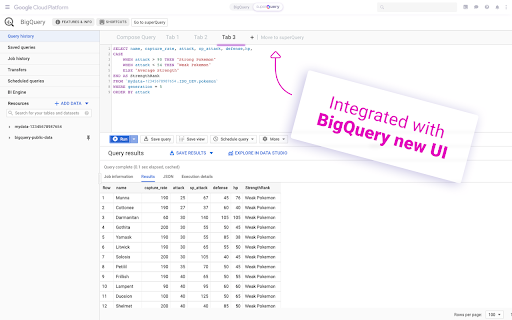

Powerful BigQuery IDE powered by AI that turns data analysts into data superheroes.
Your powers include:
- AI engine that optimizes your queries in real-time.
- Adaptive Caching — Never pay twice for the same query.
- Write queries faster with context-aware Smart Compose
- Execute up to 20 queries at the same time.
- Auto-Detect Standard / Legacy SQL.
- Use variables to store values and shorten your workflow.
- Visualize query results with integrated dashboards
- Download up to 6,000,000 rows to CSV
| 分类 | 💻开发者工具 |
| 插件标识 | lfckfngaeoheoppemkocjjebloiamfdc |
| 平台 | Chrome |
| 评分 |
☆☆☆☆☆
|
| 评分人数 | |
| 插件主页 | https://chromewebstore.google.com/detail/superquery-bigquery-ai-op/lfckfngaeoheoppemkocjjebloiamfdc |
| 版本号 | 8.3 |
| 大小 | 5.55MiB |
| 官网下载次数 | 1000 |
| 下载地址 | |
| 更新时间 | 2020-03-18 00:00:00 |
CRX扩展文件安装方法
第1步: 打开Chrome浏览器的扩展程序
第2步:
在地址栏输入: chrome://extensions/
第3步: 开启右上角的【开发者模式】
第4步: 重启Chrome浏览器 (重要操作)
第5步: 重新打开扩展程序管理界面
第6步: 将下载的crx文件直接拖入页面完成安装
注意:请确保使用最新版本的Chrome浏览器