
WatchedFlix Chrome 插件, crx 扩展下载
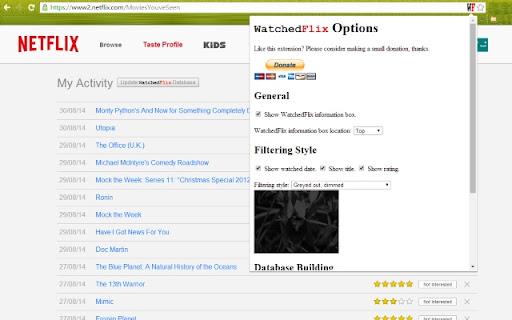
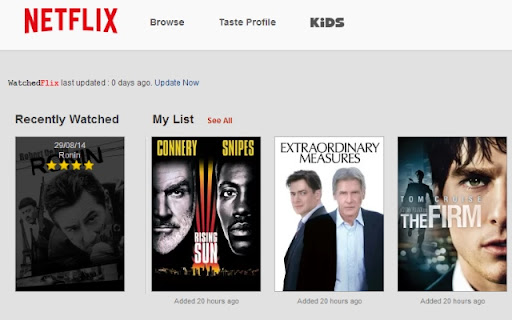
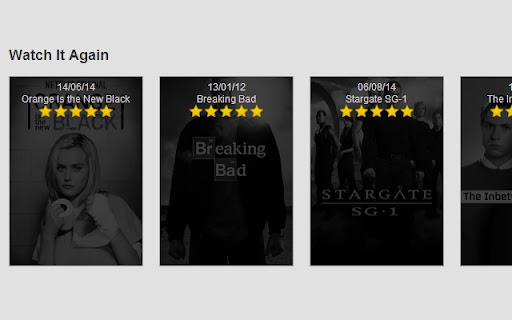
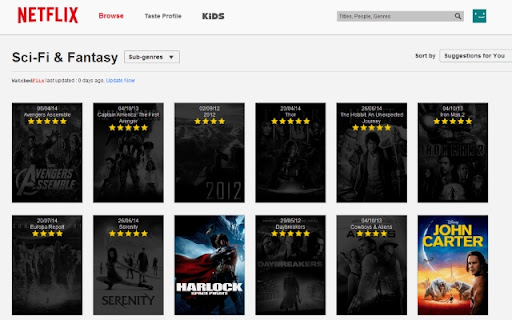
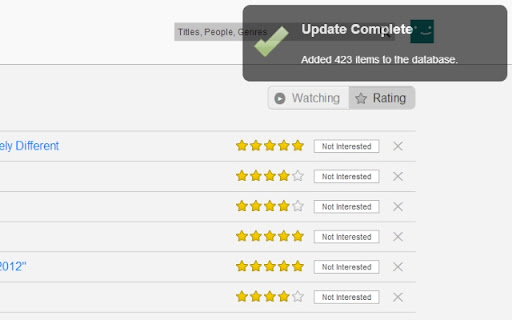
Shows you what you've watched on NetFlix.
WatchedFlix makes it quick and easy to see what you've already watched on NetFlix. It shows you when you watched a Movie and how you rated it.
Features:
* Twelve filtering styles
* Choose what information is shown on filtered items
* Show / hide the main information box
* Automatic or manual database updating
Permissions: Uses a small amount of local storage to hold information about what you've watched. This can be cleared at any time from the options page.
Disclaimer: Netflix registered trademarks and have no affiliation to this extension.
| 分类 | 🎉趣味休闲 |
| 插件标识 | ljepkkookbahfpobgklopkdgpgpgngkd |
| 平台 | Chrome |
| 评分 |
☆☆☆☆☆
|
| 评分人数 | |
| 插件主页 | https://chromewebstore.google.com/detail/watchedflix/ljepkkookbahfpobgklopkdgpgpgngkd |
| 版本号 | 3.0.0.18 |
| 大小 | 76.72KiB |
| 官网下载次数 | 39 |
| 下载地址 | |
| 更新时间 | 2014-08-31 00:00:00 |
CRX扩展文件安装方法
第1步: 打开Chrome浏览器的扩展程序
第2步:
在地址栏输入: chrome://extensions/
第3步: 开启右上角的【开发者模式】
第4步: 重启Chrome浏览器 (重要操作)
第5步: 重新打开扩展程序管理界面
第6步: 将下载的crx文件直接拖入页面完成安装
注意:请确保使用最新版本的Chrome浏览器