
EventCenter WebRTC Screen Capture Chrome 插件, crx 扩展下载
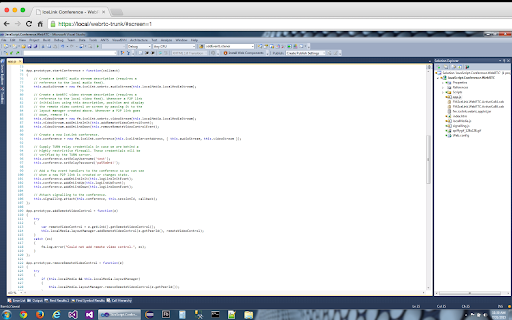
This extension allows EventCenter WebRTC connections to use the screen as a video source.
This extension allows EventCenter WebRTC connections to use the screen as a video source.
EventCenter – using Wowza as an engine – extends peer-to-peer audio/video transmission with server based audio/video capabilities for applications that require selective forwarding (SFU), mixing (MCU), recording, and telephony integration. From three participants to three thousand, EventCenter makes WebRTC- and SIP-compatible audio/video conferencing scalable, efficient and truly cross-platform.
EventCenter provides unparalleled flexibility to combine P2P-, SFU-, and MCU-based media flows in a single session and switch dynamically while the session is live.
| 分类 | 👥社交 |
| 插件标识 | lmdgdjioclbdemeojlopegjonbinofbi |
| 平台 | Chrome |
| 评分 |
☆☆☆☆☆
|
| 评分人数 | |
| 插件主页 | https://chromewebstore.google.com/detail/eventcenter-webrtc-screen/lmdgdjioclbdemeojlopegjonbinofbi |
| 版本号 | 3.128.4 |
| 大小 | 374KiB |
| 官网下载次数 | 25 |
| 下载地址 | |
| 更新时间 | 2021-01-02 00:00:00 |
CRX扩展文件安装方法
第1步: 打开Chrome浏览器的扩展程序
第2步:
在地址栏输入: chrome://extensions/
第3步: 开启右上角的【开发者模式】
第4步: 重启Chrome浏览器 (重要操作)
第5步: 重新打开扩展程序管理界面
第6步: 将下载的crx文件直接拖入页面完成安装
注意:请确保使用最新版本的Chrome浏览器