
Quick Umlaut Chrome 插件, crx 扩展下载
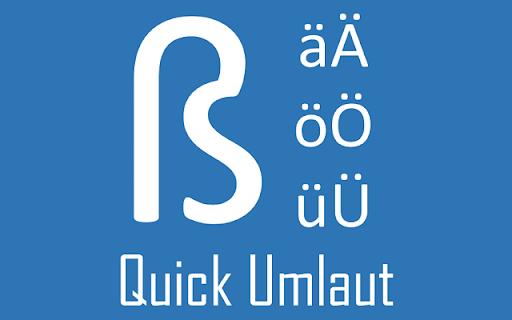
Typing German special character faster with easy shortcuts
For non-German keyboard users, typing umlaut characters is difficult, especially during the initial stage of learning.
Quick Umlaut is a fast and easy to use tool to help German learners to study German faster.
To type German Umlaut characters, you just need to follow the below combinition:
alt + A => Ä
alt + O => Ö
alt + U => Ü
alt + a => ä
alt + o => ö
alt + u => ü
alt + s => ß
| 分类 | 📝工作流程与规划 |
| 插件标识 | mfoeikcjmibgjlghnhgjiamfjceacedj |
| 平台 | Chrome |
| 评分 |
☆☆☆☆☆
|
| 评分人数 | |
| 插件主页 | https://chromewebstore.google.com/detail/quick-umlaut/mfoeikcjmibgjlghnhgjiamfjceacedj |
| 版本号 | 25.2.3.0 |
| 大小 | 96.98KiB |
| 官网下载次数 | 219 |
| 下载地址 | |
| 更新时间 | 2020-01-02 00:00:00 |
CRX扩展文件安装方法
第1步: 打开Chrome浏览器的扩展程序
第2步:
在地址栏输入: chrome://extensions/
第3步: 开启右上角的【开发者模式】
第4步: 重启Chrome浏览器 (重要操作)
第5步: 重新打开扩展程序管理界面
第6步: 将下载的crx文件直接拖入页面完成安装
注意:请确保使用最新版本的Chrome浏览器