
Saferflix Chrome 插件, crx 扩展下载

Saferflix
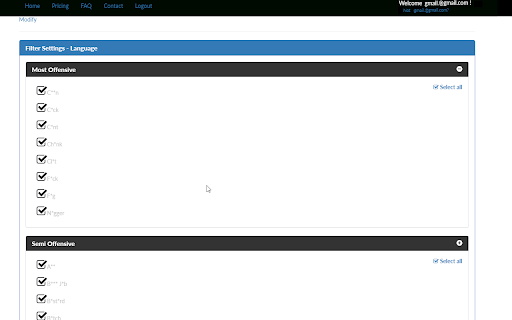
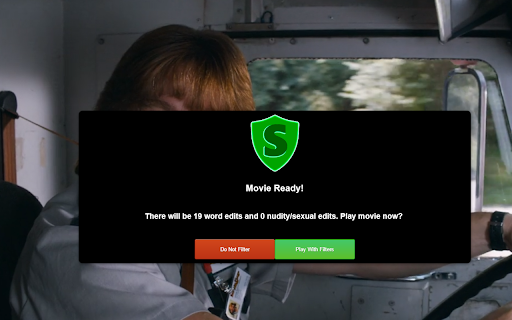
Saferflix allows you to filter streaming content through our customize-able filters. Choose to edit specific words (cussing / vulgarity), nudity, sexual content, and violence.
----------------------------------------------------------
To use Saferflix:
1) Download the Chrome extension
2) Go to Saferflix.com and register.
3) Wait for your account to be approved
4) Go back to Saferflix and check our Movie/TV list page. Click on any movie/tv show to view, or ...
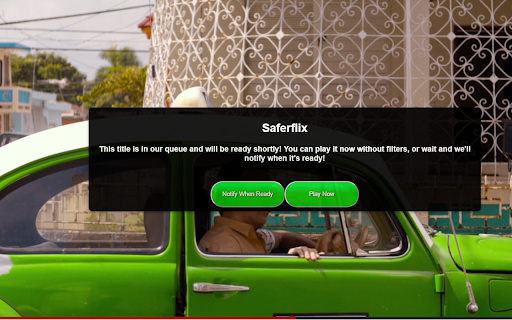
5) Using Chrome (with the Saferflix extension from step 1), go to Netflix or Amazon instant video and attempt to play any movie. You can buy a filter for the movie, or you can request that it be filtered.
-----------------------------------------------------
Update log
-----------------------------------------------------
Version 1.3.2 - October 2017
Updates to handle new Netflix UI
-----------------------------------------------------
Version 1.2.1 - Sept 2017
-Fixed full screen filtering issues
-----------------------------------------------------
Version 1.2.0 - Sept 2017
-Updates for font sizes
-Adjustments to handle paid version functionality of Saferflix
-----------------------------------------------------
Version 1.1.5 - Aug 2017
- Fixed video edits for Amazon video that are 10 seconds or less for Amazon Instant Video
| 分类 | 📝工作流程与规划 |
| 插件标识 | mlmlejelmhbnndmehhakihgbofkdmjak |
| 平台 | Chrome |
| 评分 |
☆☆☆☆☆
|
| 评分人数 | |
| 插件主页 | https://chromewebstore.google.com/detail/saferflix/mlmlejelmhbnndmehhakihgbofkdmjak |
| 版本号 | 25.2.3.0 |
| 大小 | 97.66KiB |
| 官网下载次数 | 75 |
| 下载地址 | |
| 更新时间 | 2017-10-21 00:00:00 |
CRX扩展文件安装方法
第1步: 打开Chrome浏览器的扩展程序
第2步:
在地址栏输入: chrome://extensions/
第3步: 开启右上角的【开发者模式】
第4步: 重启Chrome浏览器 (重要操作)
第5步: 重新打开扩展程序管理界面
第6步: 将下载的crx文件直接拖入页面完成安装
注意:请确保使用最新版本的Chrome浏览器