
PoE Wiki Search Chrome 插件, crx 扩展下载
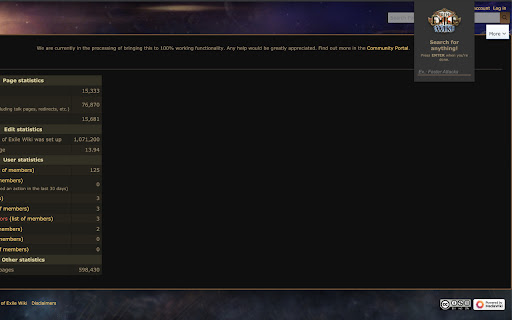
Stupid-simple wiki search for PoE!
This is a browser extension designed to be used in Firefox, Google Chrome, and chromium-based browsers (such as MS Edge) by players of the popular ARPG - Path of Exile. The purpose of this extension is to provide two benefits:
An easy to use hotkeyed trigger (ALT+W) to enable users to search for information about the game using the official community wiki.
As part of an ongoing outcry over the old wiki pathofexile.fandom.com employing user-hostile and predatory approaches via tracking, fingerprinting and advertising, this extension intercepts any request your browser sends to Fandom's domain for path of exile (all other fandom wiki's are not affected, neither are any other web page requests) and parses out the target of your journey (A.K.A what section of the fandom wiki you were going to) and directs you to the official community wiki instead, leaving you to land on the same exact page you were after, just in a friendlier, community-backed wiki.
| 分类 | 📝工作流程与规划 |
| 插件标识 | nalpbalegehinpooppmmgjidgiebblad |
| 平台 | Chrome |
| 评分 |
☆☆☆☆☆
|
| 评分人数 | |
| 插件主页 | https://chromewebstore.google.com/detail/poe-wiki-search/nalpbalegehinpooppmmgjidgiebblad |
| 版本号 | 1.0.6 |
| 大小 | 63.57KiB |
| 官网下载次数 | 10000 |
| 下载地址 | |
| 更新时间 | 2021-09-16 00:00:00 |
CRX扩展文件安装方法
第1步: 打开Chrome浏览器的扩展程序
第2步:
在地址栏输入: chrome://extensions/
第3步: 开启右上角的【开发者模式】
第4步: 重启Chrome浏览器 (重要操作)
第5步: 重新打开扩展程序管理界面
第6步: 将下载的crx文件直接拖入页面完成安装
注意:请确保使用最新版本的Chrome浏览器