
RSS Timeliner Chrome 插件, crx 扩展下载
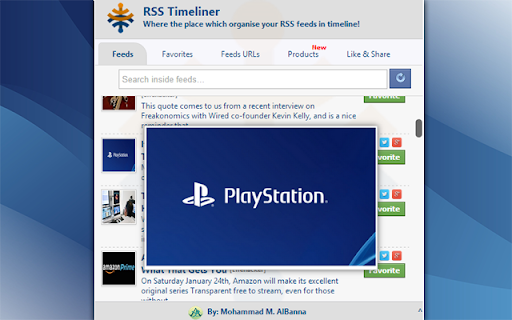

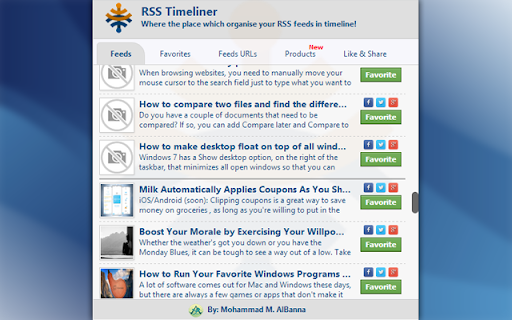
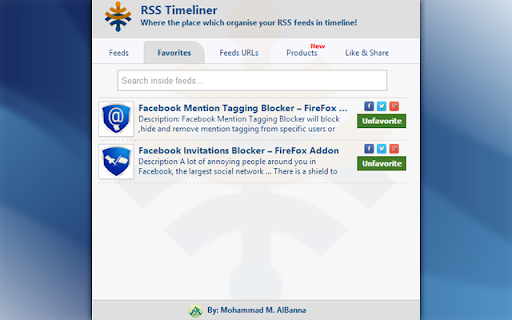
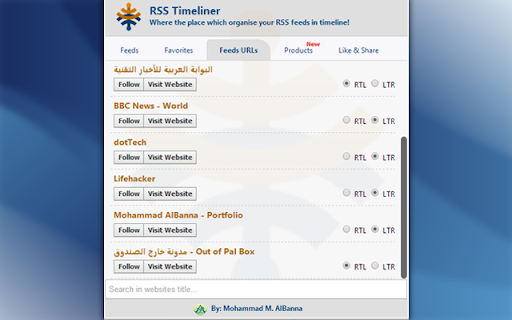
Keep in touch with your favorite websites by following their RSS and show feeds in one timeline!
A lot of websites provide RSS (Rich Site Summary) service, which provide the last articles-posts in their website, you need one place to collect these feeds in one Timeline, read, favorites and share any feed in one click!
Features:
--------
*) Simple interface.
*) Free, no ADS now or in the future! True Story!
*) Collect 50 feeds for every website.
*) The extension as possible will get image for this feed from its content.
*) Follow any website's feed by following it.
*) You can select the direction of text (RTL or LTR) when adding any website's feed url.
*) Every two hours the feeds will automaticlly refreshed, or you can just click refresh button to fetch feeds from followed websites immediatly.
*) Hover the mouse on any feed image to preview it (From verion 1.1).
*) In the first installation, the extension contains bulk of followed websites.
*) Share any feed to Twitter/Facebook/Google+ by one click.
*) Favorite any feed to read it later.
*) Search in feeds/favorite feeds/website feeds url faster.
*) Products tab for other extensions and products that i've developed, in case if you're interesting in Google Chrome Extensions.
Like RSS Timeliner ? Please rate me ★★★★★
Share it in share section...it will be appreciated.
► Logs of Versions:
http://goo.gl/irfW9d
► My page on Facebook:
FB.com/MBanna.info
► Original Page of extension:
http://goo.gl/Y1ElGc
► عن الإضافة في المدونة:
http://goo.gl/3aTAul
► My personal page:
www.mbanna.info
► مدونتي الشخصية:
www.OutOfPalBox.net
| 分类 | 📰新闻与天气 |
| 插件标识 | ngdmipkiipfloinkjajhdjnknfgagoim |
| 平台 | Chrome |
| 评分 |
☆☆☆☆☆
|
| 评分人数 | |
| 插件主页 | https://chromewebstore.google.com/detail/rss-timeliner/ngdmipkiipfloinkjajhdjnknfgagoim |
| 版本号 | 5.1.3 |
| 大小 | 94.56KiB |
| 官网下载次数 | 113 |
| 下载地址 | |
| 更新时间 | 2016-01-14 00:00:00 |
CRX扩展文件安装方法
第1步: 打开Chrome浏览器的扩展程序
第2步:
在地址栏输入: chrome://extensions/
第3步: 开启右上角的【开发者模式】
第4步: 重启Chrome浏览器 (重要操作)
第5步: 重新打开扩展程序管理界面
第6步: 将下载的crx文件直接拖入页面完成安装
注意:请确保使用最新版本的Chrome浏览器