
webgazer-ext Chrome 插件, crx 扩展下载
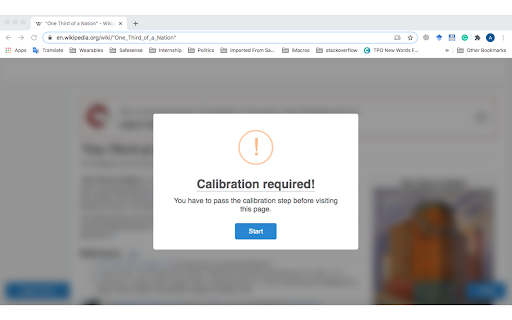
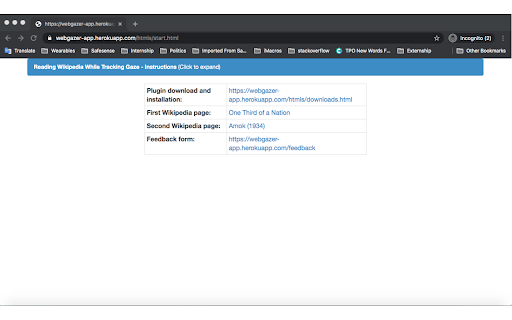
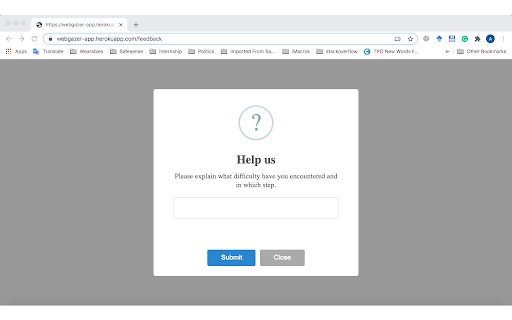
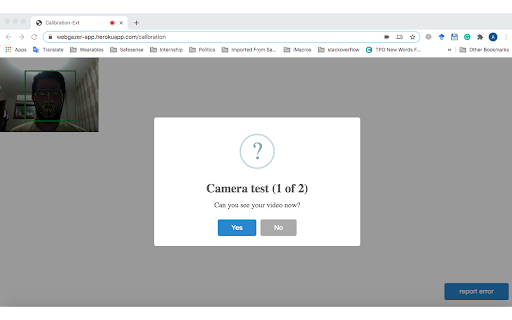
tracking gaze while reading Wikipedia
We are a multi-national research group centered at EPFL working on users' behavior while reading Wikipedia. We have designed this extension as a crowdsourcing tool to collect the eye-gaze of Wikipedia readers. The current version of the extension will only be distributed to a small community of paid Amazon Mechanical Turkers, and there is no point for other people to install it. It should be noted that we do not send the user's video over the web, and all processes take place in the browser.
| 分类 | 📝工作流程与规划 |
| 插件标识 | nlcomafnfcnlbjgelmbdjajpmhajgkgk |
| 平台 | Chrome |
| 评分 |
☆☆☆☆☆
|
| 评分人数 | |
| 插件主页 | https://chromewebstore.google.com/detail/webgazer-ext/nlcomafnfcnlbjgelmbdjajpmhajgkgk |
| 版本号 | 25.2.3.0 |
| 大小 | 1.49MiB |
| 官网下载次数 | 22 |
| 下载地址 | |
| 更新时间 | 2020-11-01 00:00:00 |
CRX扩展文件安装方法
第1步: 打开Chrome浏览器的扩展程序
第2步:
在地址栏输入: chrome://extensions/
第3步: 开启右上角的【开发者模式】
第4步: 重启Chrome浏览器 (重要操作)
第5步: 重新打开扩展程序管理界面
第6步: 将下载的crx文件直接拖入页面完成安装
注意:请确保使用最新版本的Chrome浏览器