
Simple Image Viewer Chrome 插件, crx 扩展下载
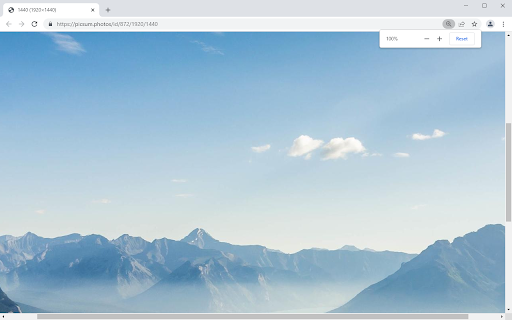
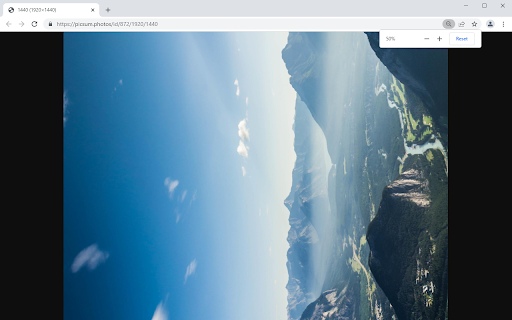
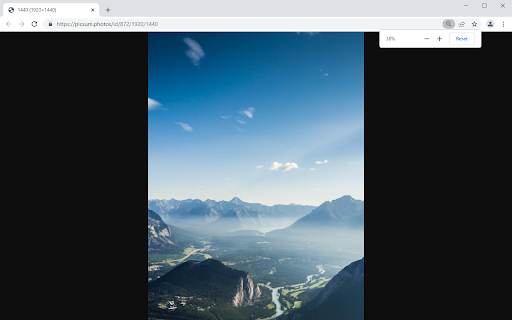
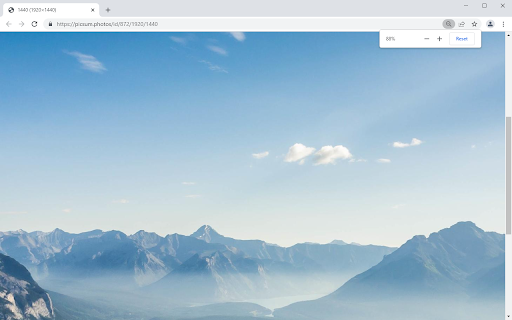
Default image viewer with advanced functionality: rotating, fitting, moving.
Features
* No false positives. Detects image tabs in the same way as the browser.
* No flicker. Loads before the default viewer.
* No appearance changes. It can be changed by other extensions.
* The fitting type changing stretches small images.
* Rotation around center.
* Window resizing centers the image.
* Zoom both to the window center and to the cursor.
* Integration into the default zoom system. Doesn't affect the page's origin.
* Panning uses scrollbars.
* Support for custom passive scrollbars.
Shortcuts
* [R] - Rotate CW 90 degrees
* [Shift]+[R] - Rotate CCW 90 degrees
* [1] - Actual size
* [2] - Fill (Cover)
* [3] - Fit
* [LMB drag] - Panning
You can report bugs on
https://github.com/Doliman100/Simple-Image-Viewer
| 分类 | ♿无障碍访问 |
| 插件标识 | ohkbjcfpicefkagfejabhddfbmkeiojm |
| 平台 | Chrome |
| 评分 |
☆☆☆☆☆
|
| 评分人数 | |
| 插件主页 | https://chromewebstore.google.com/detail/simple-image-viewer/ohkbjcfpicefkagfejabhddfbmkeiojm |
| 版本号 | 2.19.1 |
| 大小 | 8.91KiB |
| 官网下载次数 | 622 |
| 下载地址 | |
| 更新时间 | 2022-05-04 00:00:00 |
CRX扩展文件安装方法
第1步: 打开Chrome浏览器的扩展程序
第2步:
在地址栏输入: chrome://extensions/
第3步: 开启右上角的【开发者模式】
第4步: 重启Chrome浏览器 (重要操作)
第5步: 重新打开扩展程序管理界面
第6步: 将下载的crx文件直接拖入页面完成安装
注意:请确保使用最新版本的Chrome浏览器