
SABconnect++ Chrome 插件, crx 扩展下载
SABnzbd extension for Google Chrome.
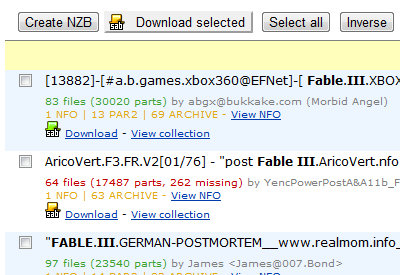
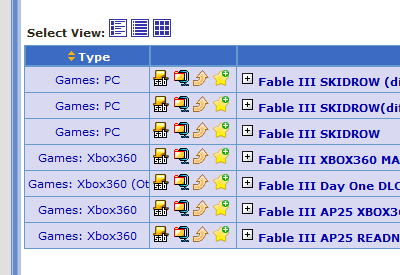
SABconnect++ adds one-click 'Send to SABnzbd' buttons to many popular NZB index sites.
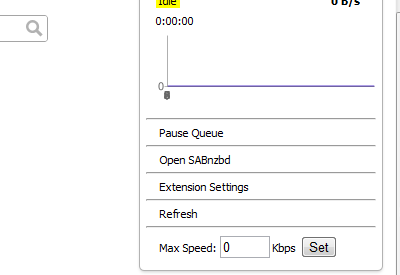
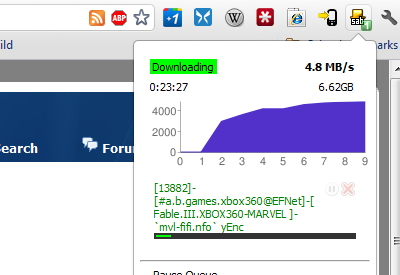
You also get a taskbar button that allows you to keep an eye on your SABnzbd: current downloads, pause (individual downloads, or pause all, or pause temporarily), or remove individual queued downloads.
Features:
* One-click NZB downloads for many NZB index sites
* Context menu option for sending links to SABnzbd
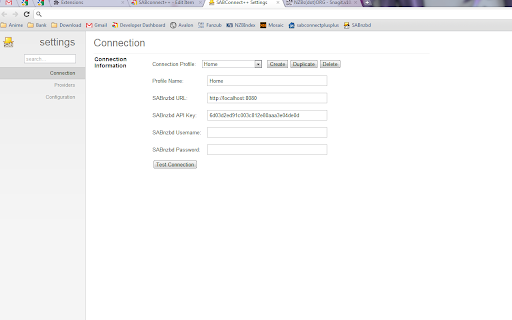
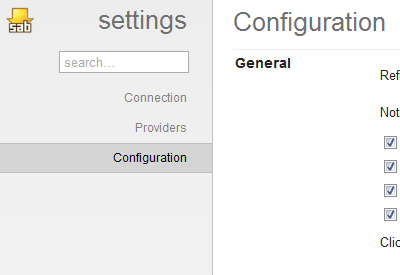
* Options page that looks consistent with Chrome's own options layout
* Download speed graph
* Pause individual downloads
* Pause all downloads
* Remove individual downloads
* Desktop notifications (Download Complete/Failed)
SABconnect++ is a fork of the now unmaintained Chrome extension [SABconnect](http://code.google.com/p/sabconnect/).
----------------------------------------------------------
Changelog:
https://github.com/gboudreau/sabconnectplusplus/blob/master/changelog.txt
Categories setup:
https://github.com/gboudreau/sabconnectplusplus/wiki/Categories
Configuration for SSL SABnzbd connection:
https://github.com/gboudreau/sabconnectplusplus/wiki/SSLConnection
Report issues, or ask for improvements:
https://github.com/gboudreau/sabconnectplusplus/issues
| 分类 | 📝工作流程与规划 |
| 插件标识 | okphadhbbjadcifjplhifajfacbkkbod |
| 平台 | Chrome |
| 评分 |
☆☆☆☆☆
|
| 评分人数 | |
| 插件主页 | https://chromewebstore.google.com/detail/sabconnect++/okphadhbbjadcifjplhifajfacbkkbod |
| 版本号 | 25.2.3.0 |
| 大小 | 437KiB |
| 官网下载次数 | 20000 |
| 下载地址 | |
| 更新时间 | 2025-02-05 00:00:00 |
CRX扩展文件安装方法
第1步: 打开Chrome浏览器的扩展程序
第2步:
在地址栏输入: chrome://extensions/
第3步: 开启右上角的【开发者模式】
第4步: 重启Chrome浏览器 (重要操作)
第5步: 重新打开扩展程序管理界面
第6步: 将下载的crx文件直接拖入页面完成安装
注意:请确保使用最新版本的Chrome浏览器