
Programming Tips Chrome 插件, crx 扩展下载
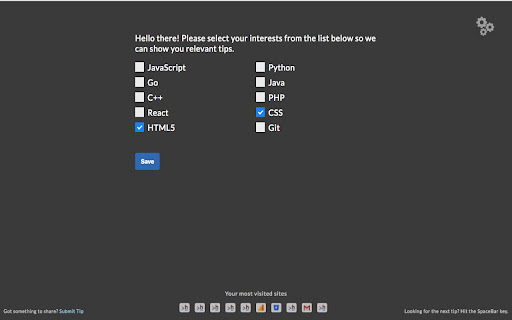

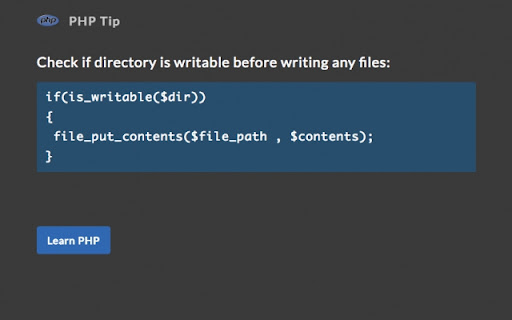
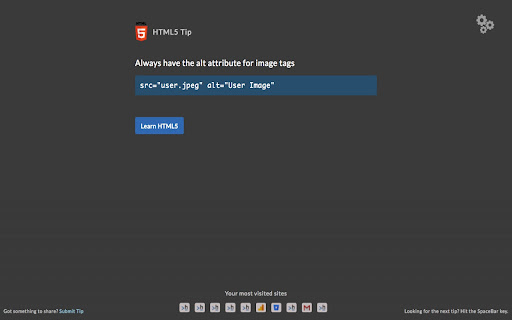
Shows programming tips when you open a new tab
If you are learning to code or want to keep your programming skills sharp, this extension is for you. See a new programming tip every time you open a new tab. Choose the programming languages/tools (JavaScript, Python, Java, Go, C++, HTML, CSS, etc.) for which you want to see the tips.
Feel free to submit your programming tips/tricks/insights that you want to share with the programming community. You can submit a code snippet you regularly use, a tip or trick not commonly known, or any suggestions for fellow learners from your side.
| 分类 | 📝工作流程与规划 |
| 插件标识 | ooaiehbfngcjjeaiedpffeajkeleikpl |
| 平台 | Chrome |
| 评分 |
☆☆☆☆☆
|
| 评分人数 | |
| 插件主页 | https://chromewebstore.google.com/detail/programming-tips/ooaiehbfngcjjeaiedpffeajkeleikpl |
| 版本号 | 1.1 |
| 大小 | 402KiB |
| 官网下载次数 | 761 |
| 下载地址 | |
| 更新时间 | 2018-06-20 00:00:00 |
CRX扩展文件安装方法
第1步: 打开Chrome浏览器的扩展程序
第2步:
在地址栏输入: chrome://extensions/
第3步: 开启右上角的【开发者模式】
第4步: 重启Chrome浏览器 (重要操作)
第5步: 重新打开扩展程序管理界面
第6步: 将下载的crx文件直接拖入页面完成安装
注意:请确保使用最新版本的Chrome浏览器