
Better Medium Stats Chrome 插件, crx 扩展下载
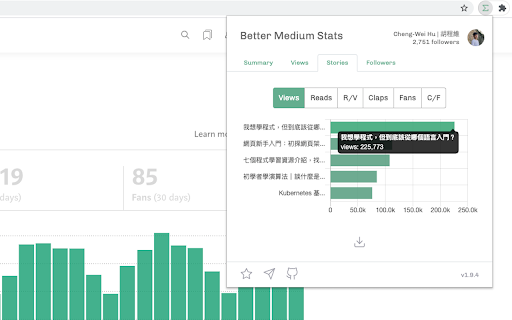
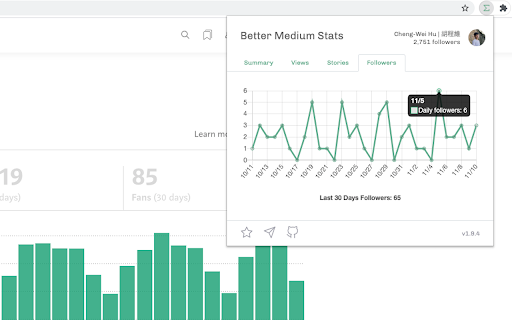
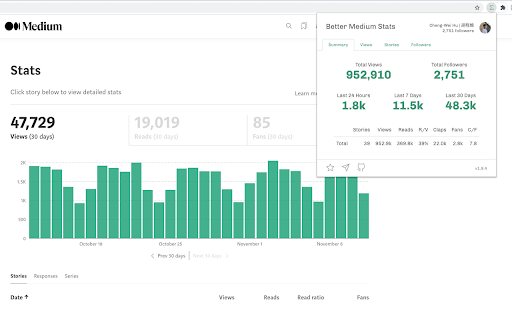
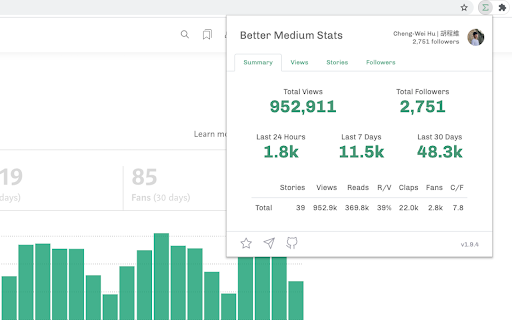
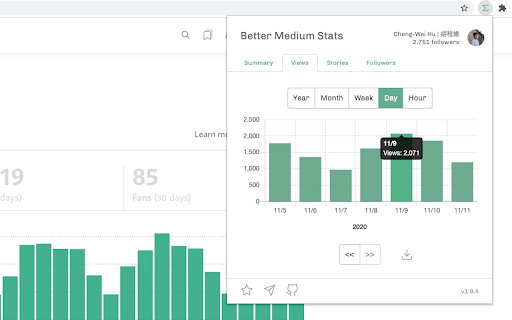
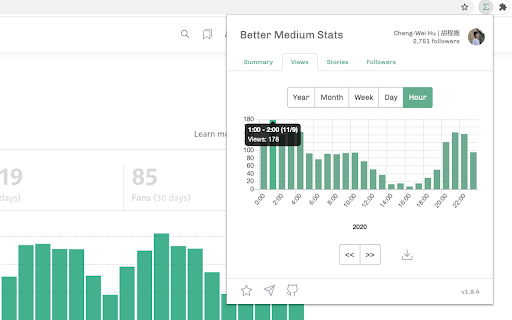
View your Medium stats in a better way and export data to csv file.
A feature-rich tool that helps writers on Medium get more insights from the stats.
## Features
- Total stories count, views, reads, views/reads, claps, fans, claps/fans
- Total views in 4 different timespans: year, month, week, date, hour
- Sort your articles by different metrics
- Last 30 days new followers trend
- Export and download stats as csv file
## How to use
Step 0: Log in to your Medium account
Step 1: Click the icon
Step 2: Get the stats!
## Source Code
You can find the source code on the link below:
https://github.com/HcwXd/better-medium-stats
## Contact
Feel free to reach me out at the following platform:
Medium: https://cwhu.medium.com
Facebook: https://www.facebook.com/HcwXd
Twitter: https://twitter.com/HcwXd
Enjoy:)
| 分类 | 👥社交 |
| 插件标识 | pdehepohihkkmeclfnlnipieffkomajc |
| 平台 | Chrome |
| 评分 |
☆☆☆☆☆
|
| 评分人数 | |
| 插件主页 | https://chromewebstore.google.com/detail/better-medium-stats/pdehepohihkkmeclfnlnipieffkomajc |
| 版本号 | 1.10.0 |
| 大小 | 172KiB |
| 官网下载次数 | 978 |
| 下载地址 | |
| 更新时间 | 2023-03-16 00:00:00 |
CRX扩展文件安装方法
第1步: 打开Chrome浏览器的扩展程序
第2步:
在地址栏输入: chrome://extensions/
第3步: 开启右上角的【开发者模式】
第4步: 重启Chrome浏览器 (重要操作)
第5步: 重新打开扩展程序管理界面
第6步: 将下载的crx文件直接拖入页面完成安装
注意:请确保使用最新版本的Chrome浏览器