
LeeL Blog Chrome 插件, crx 扩展下载

Blog for free using Evernote and Github.
Blog for free using Evernote and Github.
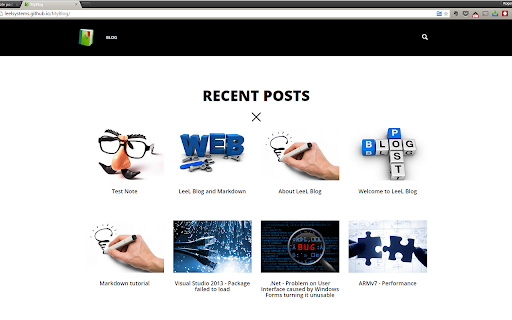
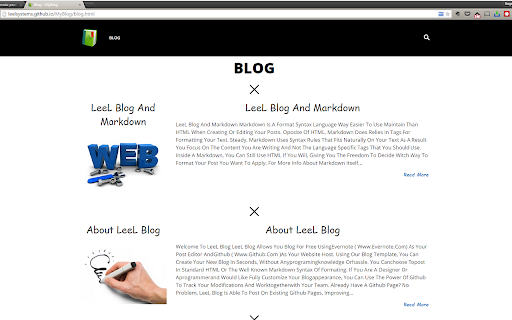
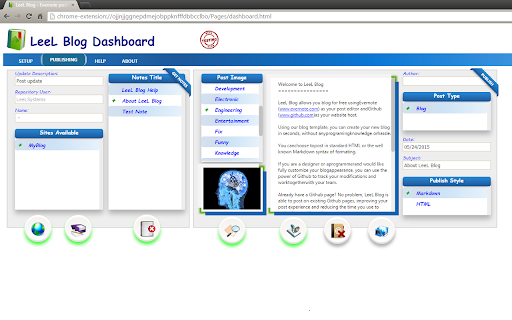
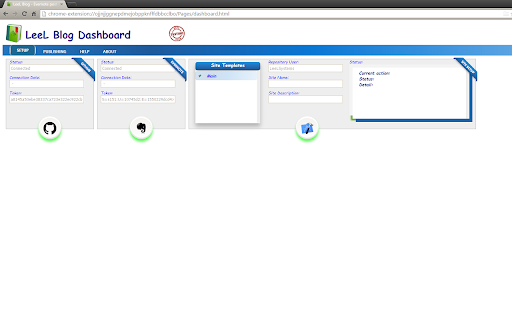
LeeL Blog allows you blog for free using Evernote (www.evernote.com) as your post editor and Github (www.github.com) as your website host.
Using our blog template, you can create your new blog in seconds, without any programming experience nor hassle.
You can choose to post in standard HTML or the well known Markdown syntax of formatting.
If you are a web designer or a programmer and would like fully customize your blog appearance, you can use the power of Github to track your modifications and work together with your team.
Already have a Github page? No problem, LeeL Blog is able to post on existing Github pages improving your post experience and reducing the time you spend to maintain your site today.
Why would you pay for similar services like www.postach.io if you can have it for free and with more publishing options?
Why would you pay for a host service like www.wordpress.com or opt to have storage limits and ads on your website if you can have it for free without any limitation and have your site hosted in a reliable company as Github?
If you are like us and believe that everyone has the right to easily and freely disseminate ideas, give LeeL Blog a try!
| 分类 | 👥社交 |
| 插件标识 | pdjklphpoinlmfhpmalbaaddmebcghjh |
| 平台 | Chrome |
| 评分 |
☆☆☆☆☆
|
| 评分人数 | |
| 插件主页 | https://chromewebstore.google.com/detail/leel-blog/pdjklphpoinlmfhpmalbaaddmebcghjh |
| 版本号 | 3.128.4 |
| 大小 | 3.94MiB |
| 官网下载次数 | 63 |
| 下载地址 | |
| 更新时间 | 2015-07-29 00:00:00 |
CRX扩展文件安装方法
第1步: 打开Chrome浏览器的扩展程序
第2步:
在地址栏输入: chrome://extensions/
第3步: 开启右上角的【开发者模式】
第4步: 重启Chrome浏览器 (重要操作)
第5步: 重新打开扩展程序管理界面
第6步: 将下载的crx文件直接拖入页面完成安装
注意:请确保使用最新版本的Chrome浏览器