
Demandware Log Tracer Chrome 插件, crx 扩展下载
Trace Demandware Logs
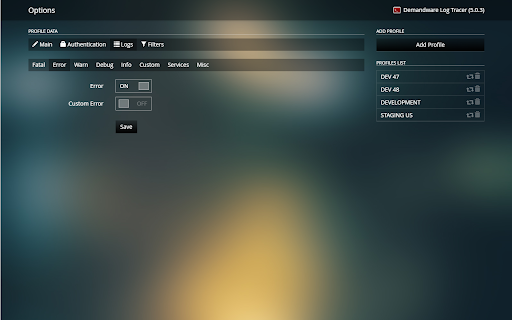
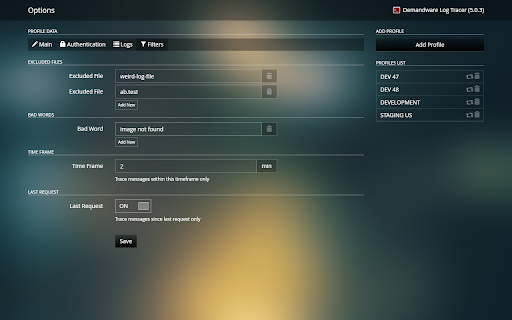
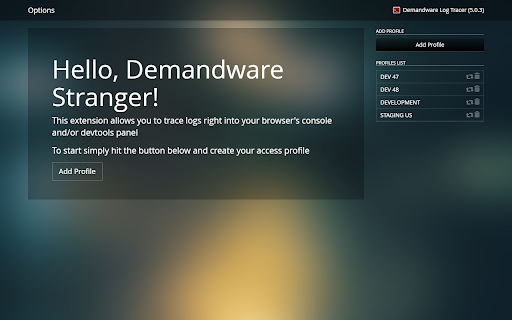
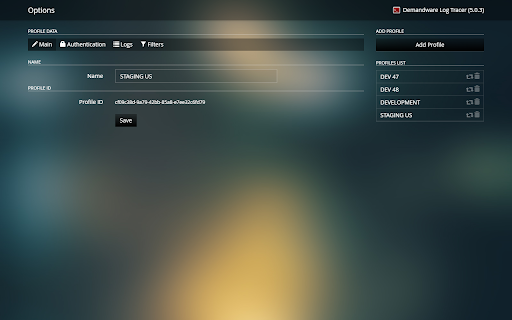
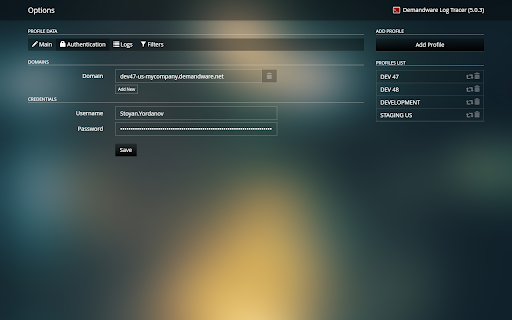
This extension empowers you to create multiple profiles for tracing DW (SFCC) logs right in your browser's console and/or in a dedicated DevTools panel.
- Password Encryption
- Domain Aliases
- Log Chunks and Log Files Filtration
- Prettified XML and JSON Service Request / Response Chunks
- Profile Copying and Retracing
=============
CHANGES LOG:
5.0.5
- Minor issue fixed in DevTools panel
5.0.4
- Make panel list resizable again
5.0.3
- Fix profile copy functionality
5.0.2
- Add platform detection on DevTools panel for better font handling
5.0.1
- Put back the missing retrace functionality
5.0.0
- Options and DevTools pages rewritten in React
4.2.3
- Add JSON parsing to service logs
- Fix panels resize behavior
4.2.2
- Open logs directory from DevTools panel
4.2.1
- Open log URLs from DevTools panel
4.2.0
- Add resizer to DevTools panel
- Introduce Webpack 4
- Small UI improvements
4.1.4
- Move api-deprecation log out of deprecation folder due to DW upgrade
4.1.3
- Improved badwords filtration
4.1.2
- Added trace for deprecation logs
- Added backwards compatibility for excluded files filter
4.1.0
- Added new filter based on log file name
4.0.2
- Added Clear option to the DevTools panel
4.0.1
- Fixed js error when tracing with no profiles yet created
4.0.0
- Removed project component
- Auto trace of all custom and service logs
3.4.7
- Profile auto-select based on the current domain
- Group profiles by project on options page
- Extension icon is inactive on non-suitable domains
- Small UI tweaks on DevTools panel
3.4.5
- New DevTools panel
- Multiple domains
- Updated filter options
- Simplified logs tracing choice
3.1.7
- Removed blade component
- Improved tracing code quality
- Fixed minor profile display issue
3.1.6
- Fixed a bug with log naming
- Made main group open by default
3.1.5
- Added default project logs
- Added missing HoF log files
3.1.4
- Fixed small authentication bug
3.1.3
- Removed page icon click logic and handler
- Correct message is now displayed when traced non-existing logs only
3.1.2
- Unified visualizer
3.1.0
- Tracing engine rewritten
3.0.7
- Fixed a minor issue when copying profiles
3.0.6
- Added copy profile functionality
3.0.5
- Stable release of version 3
| 分类 | 💻开发者工具 |
| 插件标识 | pofmccdeklficjbohkhmnjkmpppemhio |
| 平台 | Chrome |
| 评分 |
☆☆☆☆☆
|
| 评分人数 | |
| 插件主页 | https://chromewebstore.google.com/detail/demandware-log-tracer/pofmccdeklficjbohkhmnjkmpppemhio |
| 版本号 | 8.3 |
| 大小 | 1.15MiB |
| 官网下载次数 | 112 |
| 下载地址 | |
| 更新时间 | 2019-06-17 00:00:00 |
CRX扩展文件安装方法
第1步: 打开Chrome浏览器的扩展程序
第2步:
在地址栏输入: chrome://extensions/
第3步: 开启右上角的【开发者模式】
第4步: 重启Chrome浏览器 (重要操作)
第5步: 重新打开扩展程序管理界面
第6步: 将下载的crx文件直接拖入页面完成安装
注意:请确保使用最新版本的Chrome浏览器